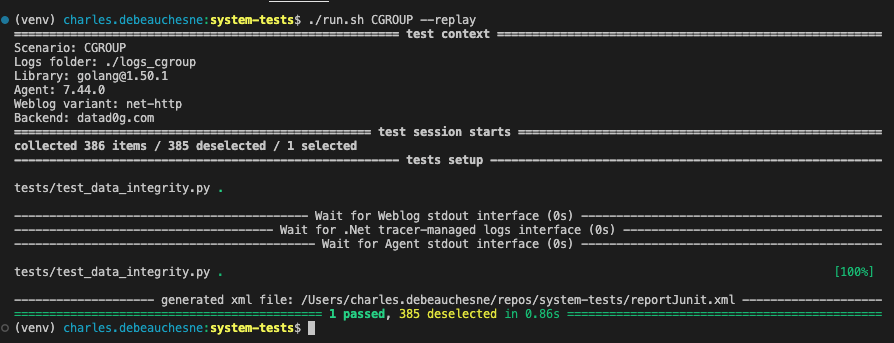
System tests are slow to execute (at least compared to unit testing). Once everything is build, depending on the scenario/weblog/tracer you tests, it can takes up to 3 or 4 minutes to run. This times is mostly used for actions to prepare the test session, not tests themselves :
- Starting docker containers
- Waiting for healthy status
- Execute setup methods
- Wait for each components to process everything
Test functions actually takes no more than few seconds.
This delay makes the iteration painful when writing new tests. And if nothing has changed on the steps above, it can be avoided, thanks to the replay mode.
Once you have ran a scenario, you can replay it using :
./run.sh <SCENARIO_NAME> --replay- Write anything needed on tested component, or weblog, or scenario or setup method.
- if you modified a tested component (tracer, ASM, agent...), or weblog, you need to rebuild as usual
- run the scenario with
./run.sh <SCENARIO_NAME> - you can now iterate on your test method using
./run.sh <SCENARIO_NAME> --replay
In particular, if you need to remove/add @missing_feature or @bug, or modify a manifest file, you can load an artifact from your CI and directly use it.
If you need to iterate on anything but strictly a test method (a tested component, a setup function, a weblog), you'll need to entirely re-run the scenario.