This guide will provide a quick run down of how to use Bodyslide to build armors for compatibility with OBody or AutoBody. For this guide we will be using the Kvetchi Mercenary Set, as well as the 3BA and HIMBO conversions for it.
This guide will not be covering how to install or set up the mods themselves, as that should be knowledge you have by this point.
The first thing to do is to make sure your Bodyslide is properly configured.
Step 1: Find and launch the BodySlide executable in MO2.

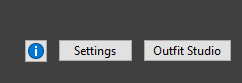
Step 2: Navigate to the Settings button at the bottom right of the BodySlide window.
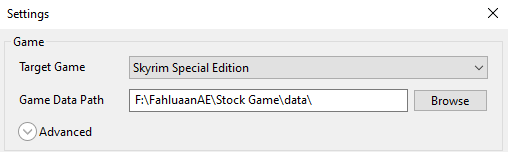
Step 3: Make sure that the Target Game is set correct and that the Game Data Path is pointing to the relevant data folder for your list.
Step 1: In the Outfit/Body dropdown, find and select CBBE 3BBB Body Amazing. In the Preset dropdown, find and select - Zeroed Sliders -.

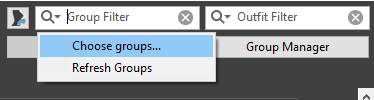
Step 2: Click on the Group Filter and select Choose groups....
Step 3: In the popup box, look for the armor you want to build, in our case there is no group for our armor, so we will tick the box next to Unassigned at the bottom.
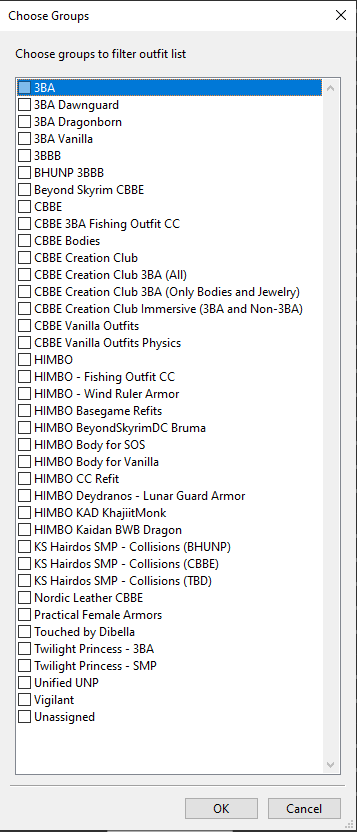
Step 4: Hit OK to close the box.
Step 5: At the bottom left, find Batch Build..., and while holding L ctrl click on it.

Step 6: In the new popup box navigate to find the BodySlide files for the armor you want to build. You can right click in the window and hit Select None to deselect everything. Once you have selected the relevant BodySlide files, click Build.
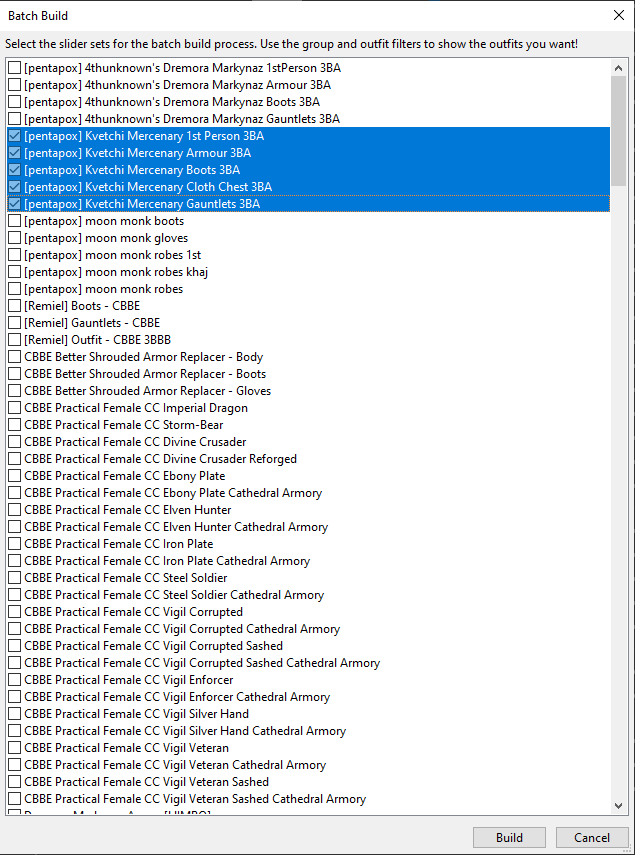
Step 7: BodySlide will now give you the option to select which folder you want to build your new bodyslide files to. Select whatever folder works for you. It is not recommended to build your new BodySlide files in the base mod.
Step 8: That's it, there are some potentially more complexities for some armors, but that is all that will be covered in this guide.
While building for HIMBO, 3BA, BHUNP, SAM, etc are all fundamentally the same, there are some slight differences.
Step 1: In the Outfit/Body dropdown, find and select HIMBO Body - SOS OR HIMBO Body - Vanilla (Nevernude). In the Preset dropdown, find and select HIMBO Zero for OBody.

Step 2-8: Proceed with the same steps as the 3BA guide above.