GR performance: SVG, not HTML, and use PNG for large plots#1090
Conversation


|
@daschw @jheinen FYI: Pluto will now skip the HTML MIME type for outputs of type @jheinen the interactive GR mode still works, since that is not the Plots.jl type. What I was not sure about is whether you can get the Pluto-interactive GR mode as part of a |

|
Right now, you can't use the GR JS backend within Plots.jl. We (only) have an idea, how this could be managed - but there's still a lot of things to do. |
|
Okay! @jheinen please let me know when that happens, I will need to re-enable HTML output for GR JS plots. Important is that Pluto can use a function: prefers_html(::Plots.Plot)::Boolto decide whether or not HTML should be enabled. Pluto-managed SVG and PNG output has significant performance benefits over SVG-inside-HTML or PNG-inside-HTML. |
 fonsp
added
frontend
fonsp
added
frontend


|
The size of the surface plot in the above issue is calculated to be 201, while the SVG size is about 700MB, and it crashes the browser Another idea is to default to PNG, but respect an explicit Plots.jl option, if it exists. |
|
To which surface plot do you refer? MWE? |
From the issue I've linked: #1111 x_range = -10:0.01:10
surface(x_range, x_range, (x, y)->sin(x)+cos(y), fillalpha=0.5, color=:coolwarm) |
|
It seems that using GR
x_range = -10:0.01:10
surface(x_range, x_range, (x, y)->sin(x)+cos(y))
|
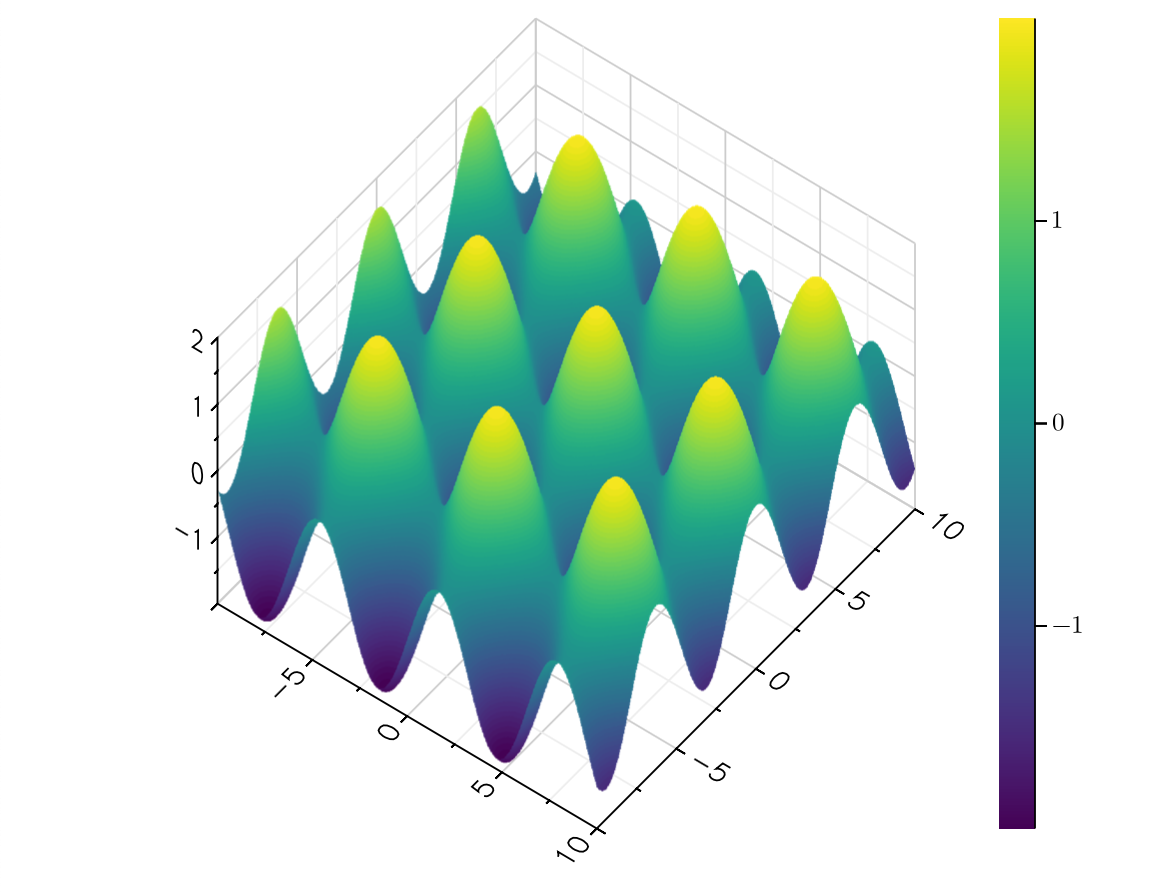
3 participants


Implemented:
Plots.Plot{Plots.GRBackend}objects, disable HTML to render as SVG instead: fix Blank frames make reactive Pluto plots look choppy #577 using idea 1 in Blank frames make reactive Pluto plots look choppy #577 (comment)Plots.Plot{Plots.GRBackend}objects, when there are more than 8000 data points (count function), also disable SVG to render to PNG: fix SVG output from Plots can cause browser tab to consume large amounts of memory #911. Yes that number is arbitrary; no it won't be configurable ❤️Hide whitespace in the diff: https://github.com/fonsp/Pluto.jl/pull/1090/files?diff=split&w=1
Try it out!