

ti build -p ios --fasterLive a happier Titanium life!
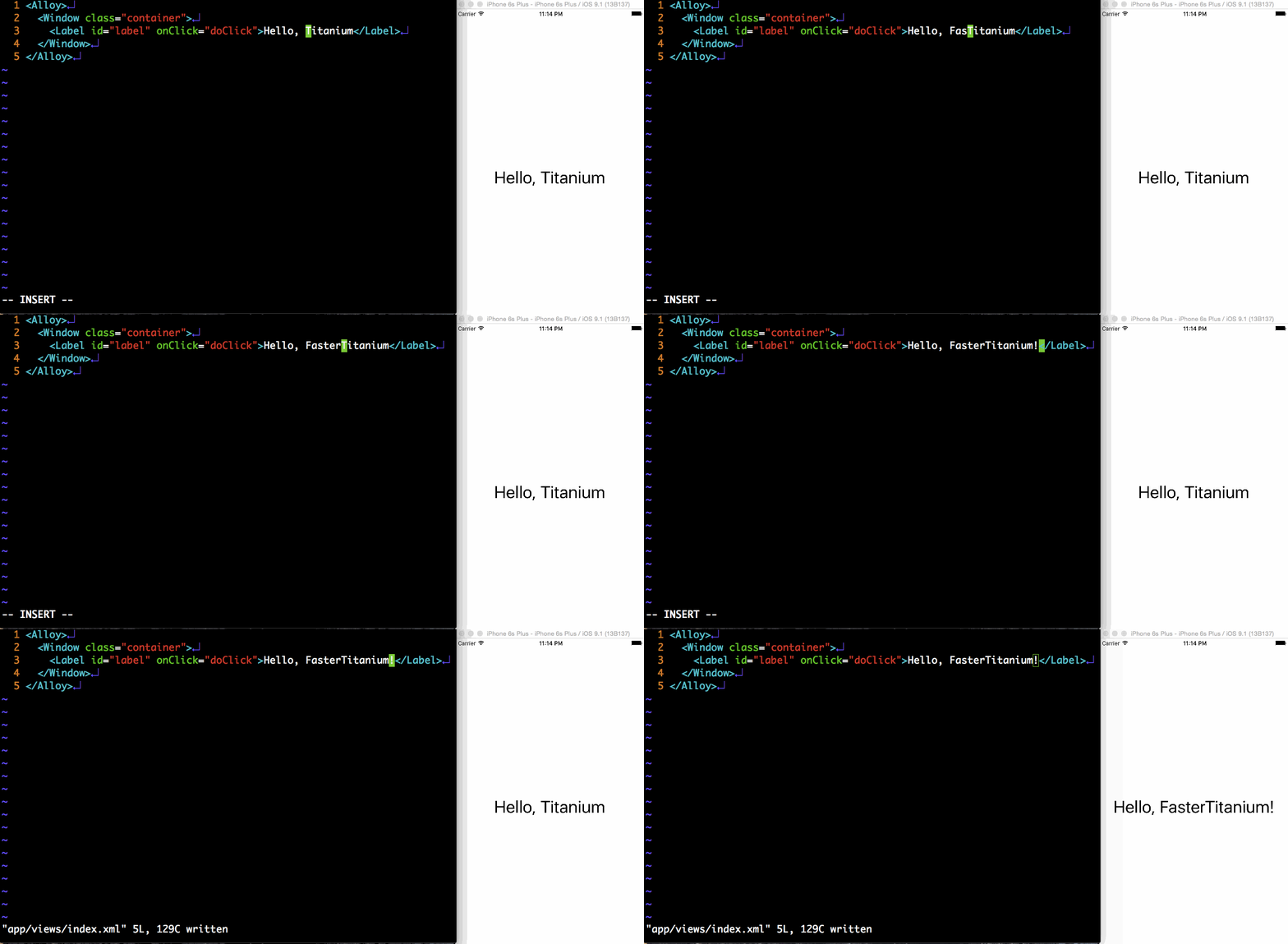
- immediate reload on file changed
- both Alloy|non-Alloy support
- stable, robust connection
- no trouble with
require - native module support
- web UI support
- readable, well-documented code written in ES6+ JavaScript
$ npm install -g faster-titanium
If you install with sudo and get the error Unable to write config file... use the following command:
$ npm install -g faster-titanium --unsafe-perm
That's all.
Note that your Node.js has to be greater than v0.12.
Run ti build with --faster option.
ti build -p ios --fasterThat's all.
ti build -p ios --faster --ft-debugDebug mode shows more logs in Titanium. You can switch this option later via web UI.
If you want to show server debug log, try
DEBUG=faster-titanium:* ti build -p ios --fasterti build -p ios --faster --ft-port 3000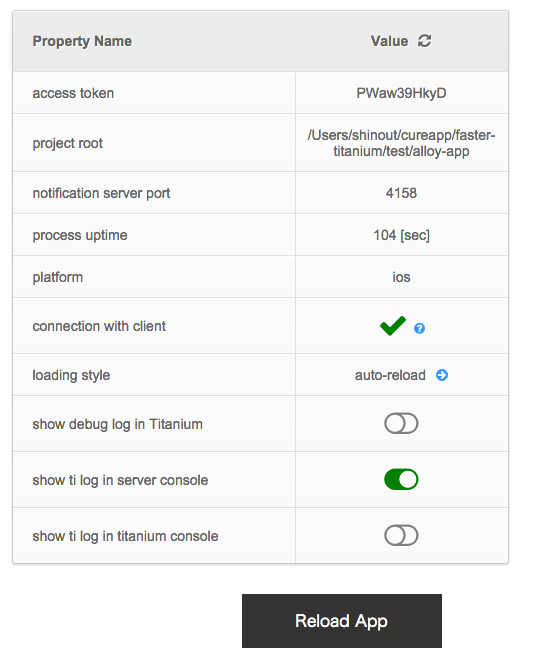
Access to the URL: http://localhost:4157
It shows the state of current connection with Titanium app.
Reload App button can reload Titanium app
Clicking Value column of loading style enable you to select loading style.
- auto-reload: App will reload everytime a file changes.
- auto-reflect: Everytime a file changes, app clear the module cache and try to fetch new js file in
require(). - manual: Do nothing.
Default value is auto-reload.
- debug log: show/hide FasterTitanium debug log
- server log: show/hide Titanium log to server console
- titanium log: show/hide Titanium log to Titanium console
faster-ti command is available.
faster-ti installedfaster-ti installIf ti process is killed, FasterTitanium server is also killed. You can restart FasterTitanium server by the following command.
faster-ti restart -f <port number1> -n <port number2> -p <platform name> -t <acceess token> [project dir]Too many options? No problem.
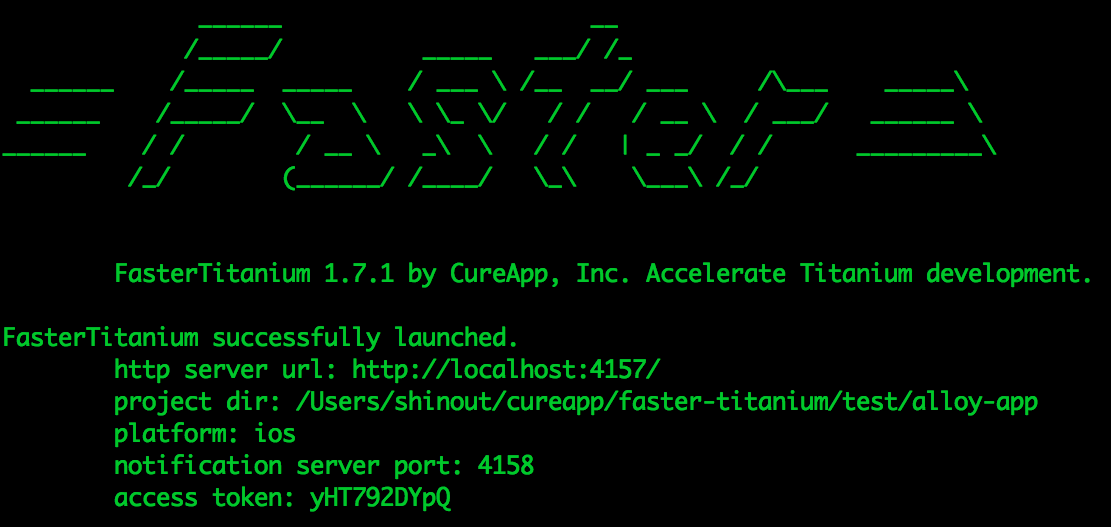
When you terminate the ti process, the exact restart command will be shown in stdout at the end of process.

Just copy and paste the line and you can restart the server!

faster-ti uninstallUninstalling FasterTitanium itself is
npm uninstall -g faster-titaniumMIT