中文 | English
A cute desktop skin for OpenClaw — same commands, same AI, just cuter.
pip install, run opencat, done. Everything you do in OpenClaw works here.




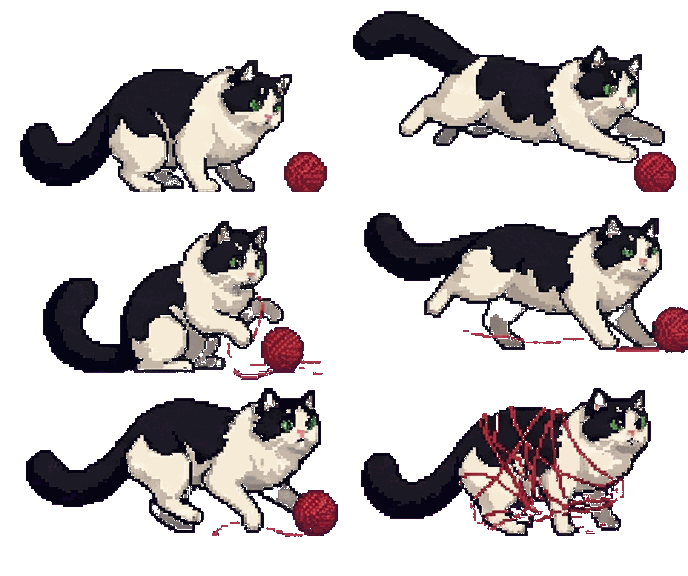
| Idle (random rotation) | Thinking | Done | Sleeping | |||
yarn ball |
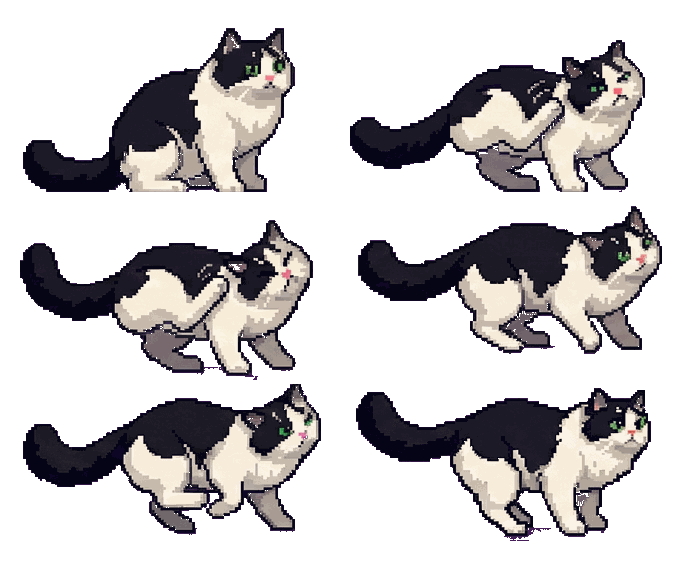 scratching |
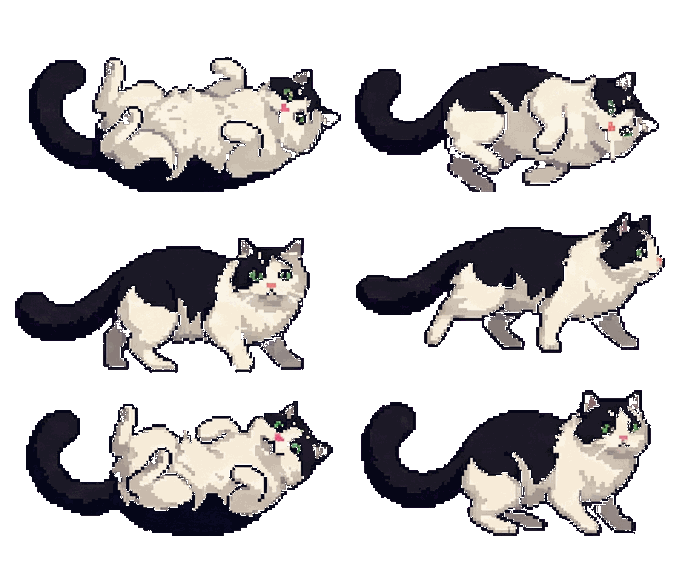 rolling |
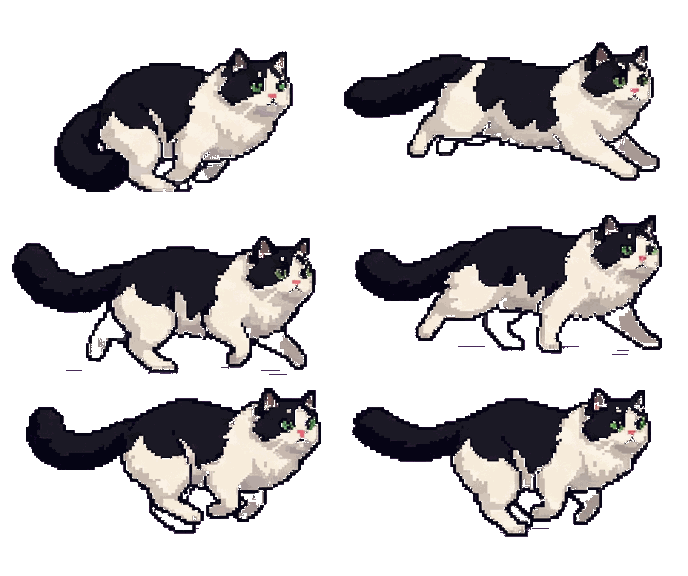 running |
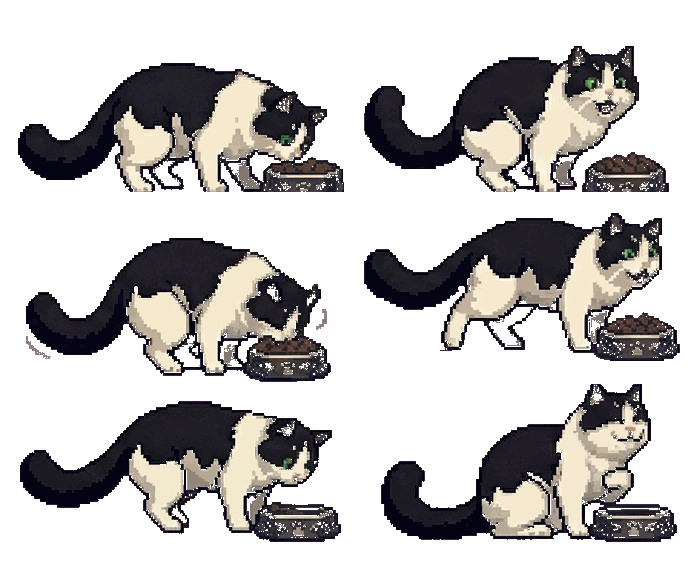 eating |
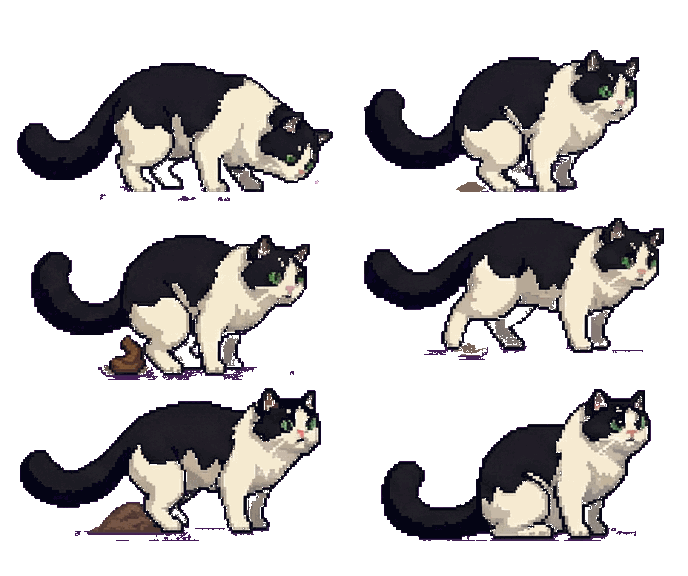 pooping |
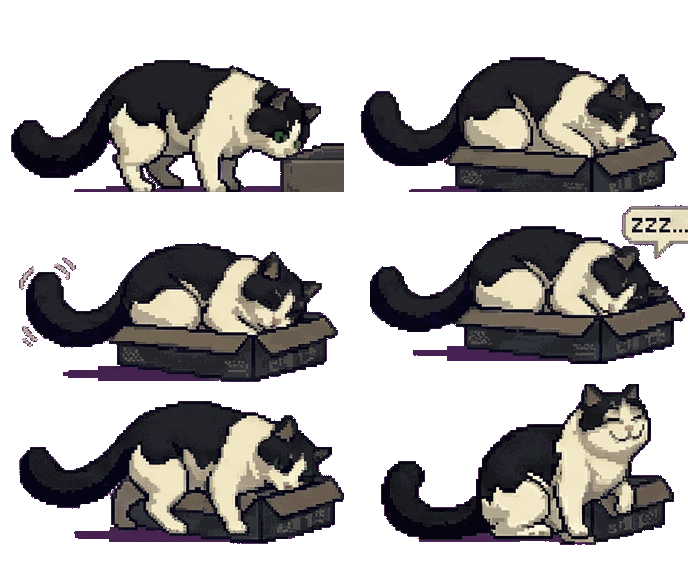 sleeping |
If you're running OpenClaw as your AI gateway, you might find:
- The official web panel is too cluttered — you just want a quick, clean chat window
- Telegram / WhatsApp bots need a VPN if you're in mainland China
- You want something that feels alive — not another chat tab buried in your browser
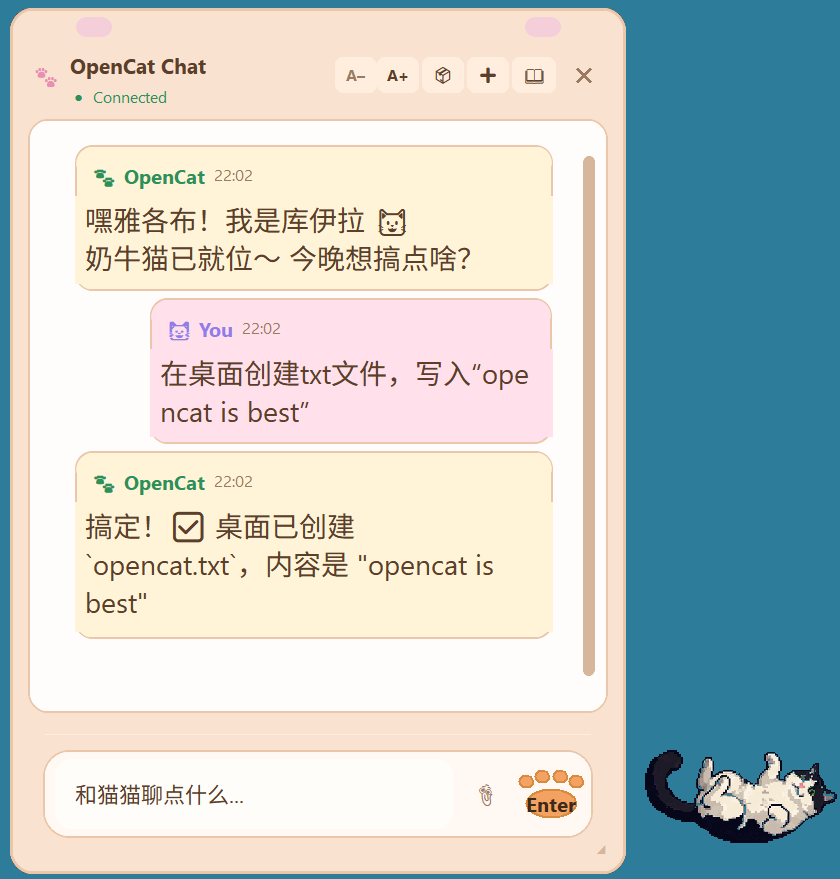
OpenCat puts a pixel-art cat on your desktop. Click it, and a warm-toned chat window pops up. That's it. No browser, no VPN, no noise.
| Chat + Cat | History Sidebar |
 |
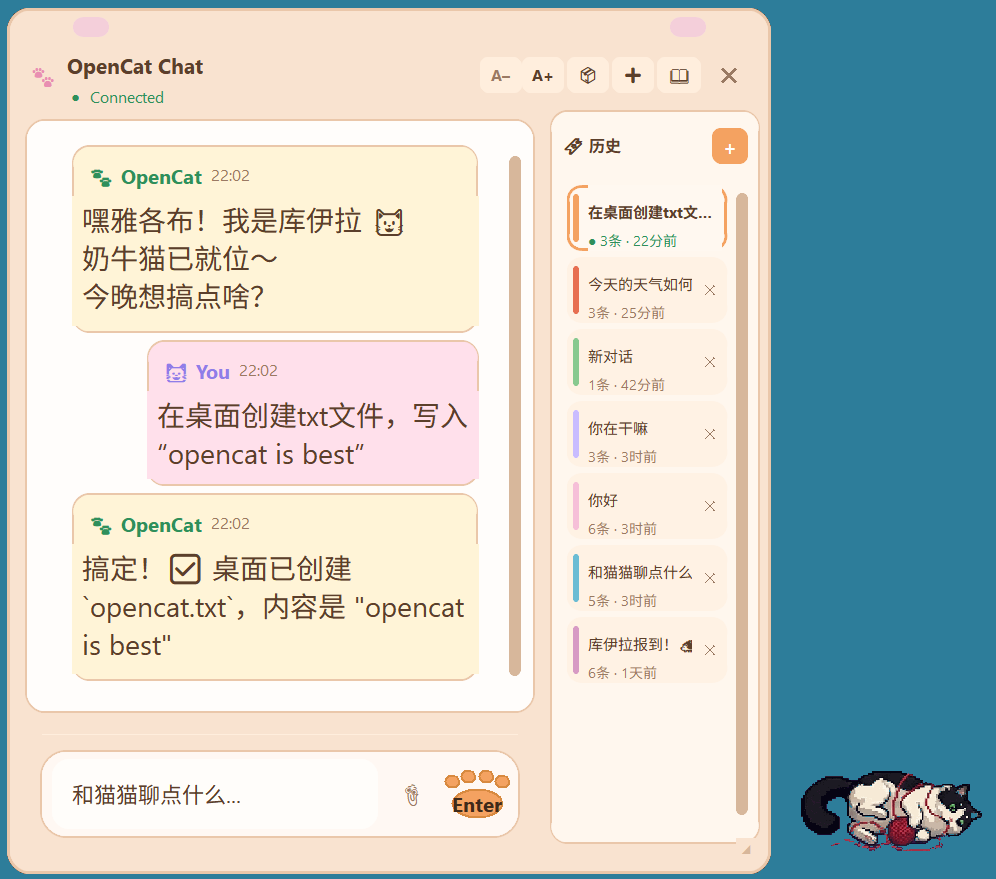 |
| Click the cat to open the chat window. Warm pastel UI with streaming AI replies. | Conversation history with color-coded bookmarks. Switch or delete sessions anytime. |
Toolbar: A-/A+ adjust font size | cube toggles 3D cat | + new chat | book icon opens history
- Floating cat widget — always on top, draggable, with animated states (idle, thinking, talking, sleeping...)
- Warm pastel chat UI — clean, minimal, purpose-built for quick conversations
- Streaming responses — see the AI reply in real-time, token by token
- Conversation history — sessions are saved locally and browsable from the sidebar
- Image attachments — paste or drag images into the chat (clipboard + file picker)
- Cross-platform — Windows, macOS, Linux (native transparency on Windows, graceful fallback elsewhere)
- Remote connection — connect to an OpenClaw gateway on another machine via Tailscale or any network
- Lightweight — pure Python, ~100 KB installed, no web runtime
OpenCat supports OpenClaw native commands — type them directly in the chat input:
| Command | Description |
|---|---|
/status |
View current session status and token usage |
/new |
Start a new conversation (resets server session) |
/compact |
Compress context to save tokens |
/think <level> |
Set thinking depth |
/stop |
Abort the current response |
/clear |
Clear local chat display (does not reset server session) |
/help |
Show all available commands |
You need a running OpenClaw gateway. OpenCat connects to it via WebSocket.
pip install opencatopencatIf opencat is not recognized, use:
python -m opencatOpenCat reads your gateway config from ~/.openclaw/openclaw.json automatically.
opencat --host 100.64.0.3    # Connect to a remote OpenClaw (e.g. via Tailscale)
opencat --port 18789          # Override gateway port
opencat --token your-token    # Override gateway token
opencat --debug # Enable debug logginggit clone https://github.com/Jacobzwj/opencat.git
cd opencat
pip install -e .
opencat┌──────────┐ WebSocket ┌──────────────┐
│ OpenCat │ ◄───────────► │ OpenClaw │ ───► LLM API
│ (desktop) │ streaming │ (gateway) │
└──────────┘ └──────────────┘
OpenCat is a pure client — it connects to your self-hosted OpenClaw gateway over WebSocket, sends messages, and streams back responses. All AI logic, model selection, and API keys stay on the gateway side.
Cat animations live in opencat/ui/assets/ and are mapped via manifest.json. Replace them with your own pixel art:
| State | What happens | Default GIF |
|---|---|---|
| Idle | Connected, waiting for user. Randomly rotates through a pool. | idle.gif, error.gif, connecting.gif, talking.gif |
| Thinking | User sent a message, waiting for AI + streaming reply | thinking.gif (eating) |
| Done | Response complete, stays until next message | done.gif (pooping) |
| Sleeping | Not connected to OpenClaw | sleeping.gif (sleeping in box) |
MIT