If you create a new resource using "Sinopia:RT:Demo:SampleResourceFuller" on development (or any template that has a required lookup), then before entering any values you click save. This validates the form. Next fill in all required fields except the required lookup ("Example 10" in this case).
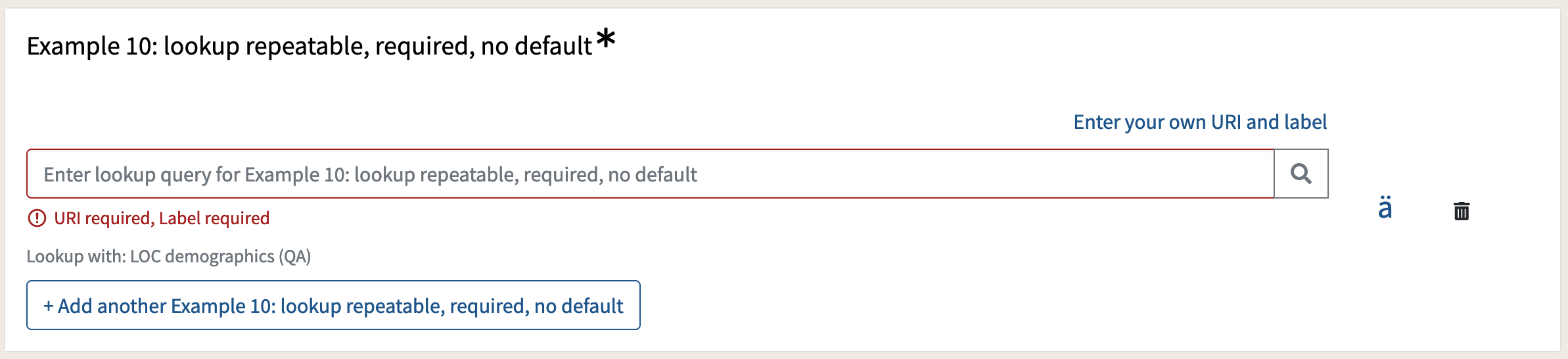
Then enter text in the field and press the search button
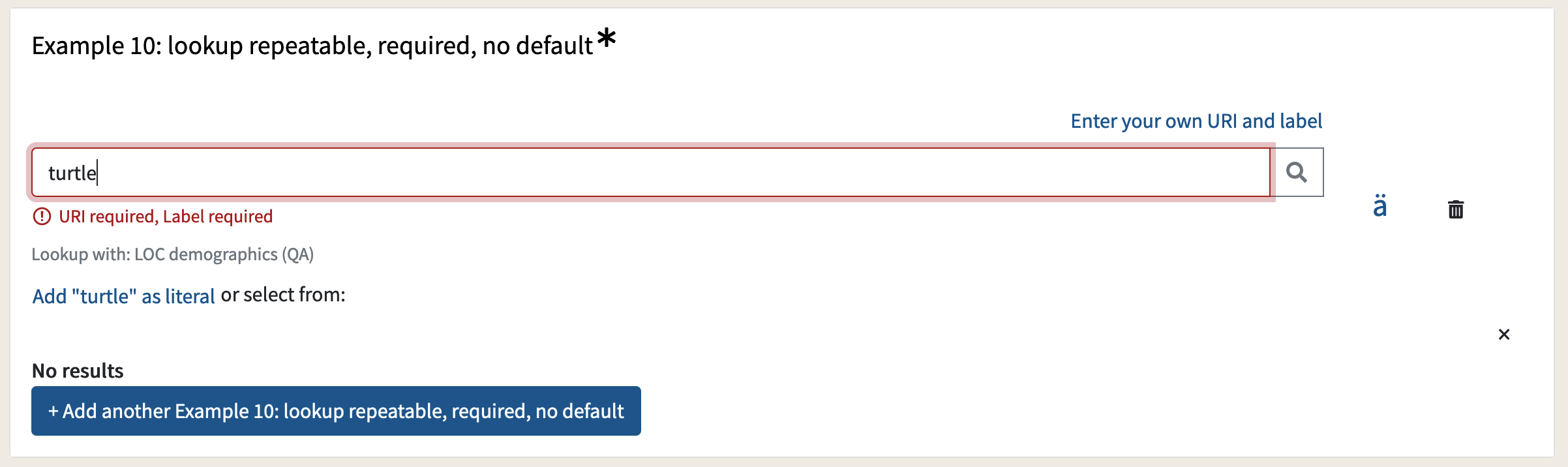
Click the "Add ... as literal" link.

Then you see the validation that cannot be cleared and the resource cannot be saved.


If you create a new resource using "Sinopia:RT:Demo:SampleResourceFuller" on development (or any template that has a required lookup), then before entering any values you click save. This validates the form. Next fill in all required fields except the required lookup ("Example 10" in this case).
Then enter text in the field and press the search button
Click the "Add ... as literal" link.
Then you see the validation that cannot be cleared and the resource cannot be saved.