Using Syntax Highlight
To install SourcePawn syntax highlight *.xml in Notepad++
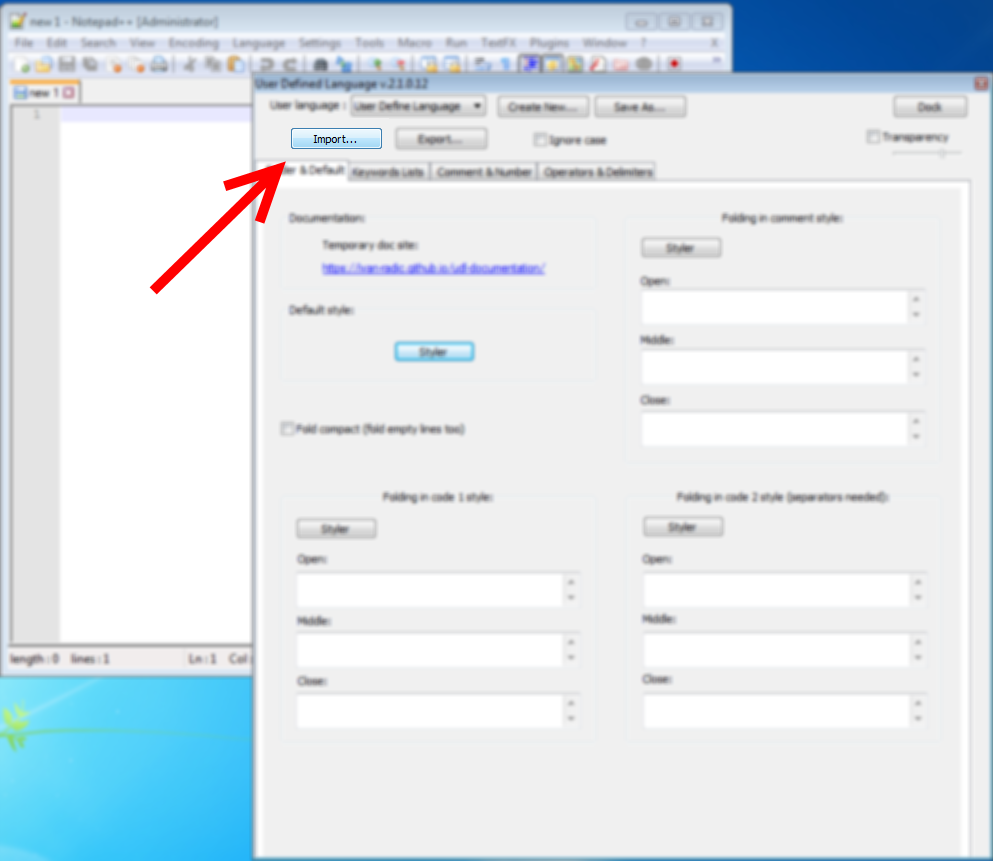
Go to Language -> Define your Language...
Click "Import" button and choose *.xml file.
Then close Notepad++ and launch again, you should see new language on bottom of language list.