





📝 Read the article: The Missing Piece in Angular i18n
The definitive CLI tool for synchronizing Angular XLIFF (1.2 & 2.0) locale files.
xlf-sync is a robust, production-ready utility designed to solve the persistent challenge of Angular i18n management: keeping your locale files (messages.<locale>.xlf) in perfect sync with your source file (messages.xlf), without data loss or corruption.
It is built to integrate seamlessly into professional workflows, supporting both local development and strict CI/CD pipelines.
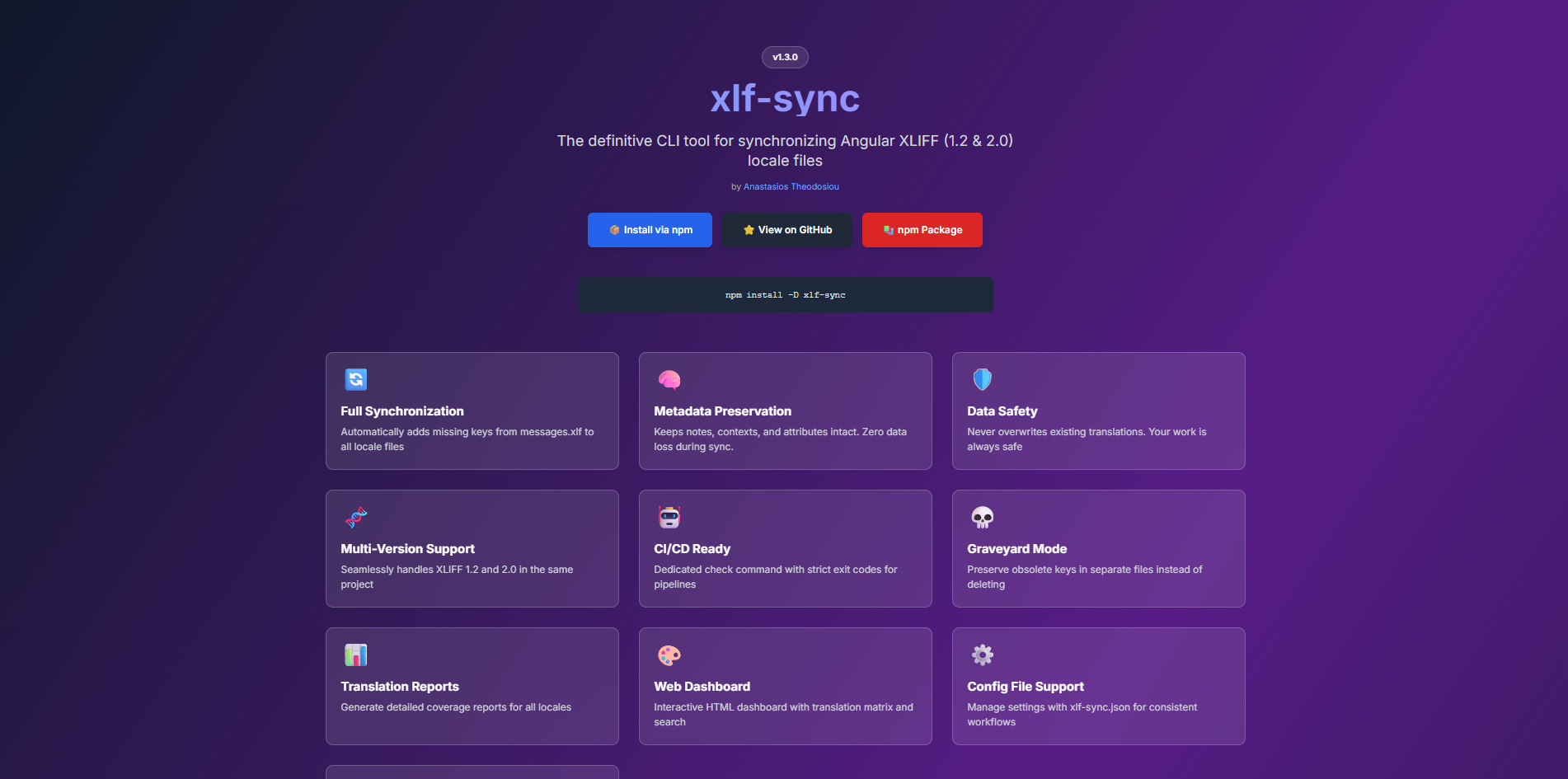
🌐 Visit the Official Landing Page & Documentation
If you are coming from xliffmerge or ng-extract-i18n-merge, you'll find xlf-sync to be a modern, faster, and more reliable alternative.
| Feature | xlf-sync |
xliffmerge |
ng-extract-i18n-merge |
|---|---|---|---|
| XLIFF 1.2 & 2.0 | ✅ Yes | ✅ Yes | |
| Metadata Preservation | ✅ Absolute | ||
| Visual Dashboard | ✅ Yes | ❌ No | ❌ No |
| Zero Data Loss | ✅ Guaranteed | ✅ Yes | |
| Active Maintenance | ✅ Active | ❌ Legacy | ✅ Active |
Tip
Migration follows a similar flow: Simply point xlf-sync to your source and locale files. It will automatically detect your XLIFF version and merge without stripping your approved translations or translator notes.
- 🔄 Full Synchronization: Automatically adds missing keys from
messages.xlfto all your locale files. - 🧠 Metadata Preservation: Preserves all notes, context groups, and custom attributes (e.g.,
approved="yes") during sync. Zero data loss. - 🛡️ Data Safety: Never overwrites existing translations. Your work is safe.
- 🧬 Multi-Version Support: Seamlessly handles XLIFF 1.2 and 2.0 in the same project. It auto-detects the version per file.
- 🧹 Auto-Sorting: Reorders translations in locale files to match the source file's order, ensuring clean and readable diffs.
- 💀 Graveyard Mode: Optionally moves obsolete keys to a separate "graveyard" file instead of deleting them, preserving historical work.
- 🤖 CI/CD Ready: Dedicated
checkcommand with strict exit codes for your build pipelines. - ✨ Pretty Printing: Normalizes XML formatting across all files, eliminating "dirty" diffs from other tools.
Install globally or as a dev dependency in your project:
npm install -D xlf-syncnpx xlf-sync --help$ npx xlf-sync sync
xlf-sync v1.3.7
--------------------------------------------------
✔ messages.xlf parsed (142 keys)
✔ messages.el.xlf synced (+12 new, -3 obsolete)
✔ messages.de.xlf synced (+12 new, -3 obsolete)
✔ messages.fr.xlf synced (+12 new, -3 obsolete)
--------------------------------------------------
✨ Done! Your locale files are in perfect sync.
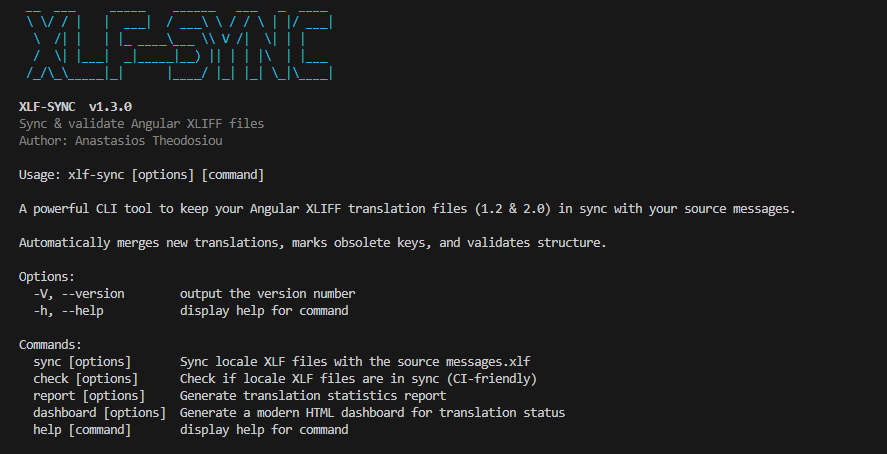
You can avoid passing command-line arguments every time by creating an xlf-sync.json (or xlf-sync.config.json) file in your project root.
{
  "source": "src/locale/messages.xlf",
  "locales": "src/locale/messages.*.xlf",
  "sync": {
    "newTarget": "todo",
    "obsolete": "mark",
    "dryRun": false
  },
  "check": {
    "failOnMissing": true,
    "verbose": true
  }
}| Option | JSON Key | Type | Description |
|---|---|---|---|
| Global | source |
string |
Path to source messages.xlf |
locales |
string |
Glob for locale files | |
| Sync | sync.newTarget |
string |
todo | empty | source |
sync.obsolete |
string |
delete | mark | graveyard |
|
sync.graveyardFile |
string |
Path pattern for graveyard files | |
sync.failOnMissing |
boolean |
Exit non-zero on missing targets | |
sync.dryRun |
boolean |
Do not write files | |
| Check | check.failOnMissing |
boolean |
Exit non-zero on missing targets |
check.failOnObsolete |
boolean |
Exit non-zero on obsolete keys | |
check.failOnAdded |
boolean |
Exit non-zero on un-synced keys | |
check.newTarget |
string |
todo | empty | source (for diff only) |
|
check.verbose |
boolean |
Print missing keys list |
Tip
Precedence: Command Line Flags > xlf-sync.json > Default Values.
The core command to update your locale files. It reads the source file and updates all target locale files found by the glob pattern.
# Basic usage
npx xlf-sync sync \
  --source src/locale/messages.xlf \
--locales "src/locale/messages.*.xlf"| Option | Default | Description |
|---|---|---|
--source <path> |
src/locale/messages.xlf |
Path to the source XLIFF file generated by ng extract-i18n. |
--locales <glob> |
src/locale/messages.*.xlf |
Glob pattern to find your target locale files (e.g., src/locale/*.xlf). |
--new-target <mode> |
todo |
Strategy for new keys: • todo: Fills target with TODO.• empty: Leaves target empty.• source: Copies source text to target. |
--obsolete <mode> |
mark |
Strategy for removed source keys: • mark: Keeps key with state="obsolete" (or prefix).• delete: Permanently removes the key.• graveyard: Moves key to a separate file (see below). |
--graveyard-file <pattern> |
src/locale/_obsolete.{locale}.xlf |
Pattern for the output "graveyard" file. Used only if --obsolete graveyard. {locale} is replaced dynamically. |
--fail-on-missing |
false |
Exits with error (code 1) if any keys are missing translations. Useful if you want to enforce 100% translation coverage during sync. |
--dry-run |
false |
Simulates the operation without writing changes to disk. |
Generates a detailed console report about the translation coverage for each locale file. Useful for getting a quick overview of work remaining.
npx xlf-sync report --source src/locale/messages.xlf --locales "src/locale/messages.*.xlf"Output Example:
┌────────┬─────┬──────┬────────────┬─────────┬────────┬───────┐
│ Locale │ XLF │ Keys │ Translated │ Pending │ % Cov  │ Words │
├────────┼─────┼──────┼────────────┼─────────┼────────┼───────┤
│ de     │ 2.0 │ 120  │ 115        │ 5       │ 95.8%  │ 432   │
│ fr     │ 2.0 │ 120  │ 40         │ 80      │ 33.3%  │ 150   │
└────────┴─────┴──────┴────────────┴─────────┴────────┴───────┘
| Option | Default | Description |
|---|---|---|
--source <path> |
src/locale/messages.xlf |
Path to the source XLIFF file. |
--locales <glob> |
src/locale/messages.*.xlf |
Glob pattern for target locale files. |
Generates a modern, standalone HTML dashboard to visualize your translation progress with beautiful charts, tables, and an interactive translation matrix.
npx xlf-sync dashboard --out report.html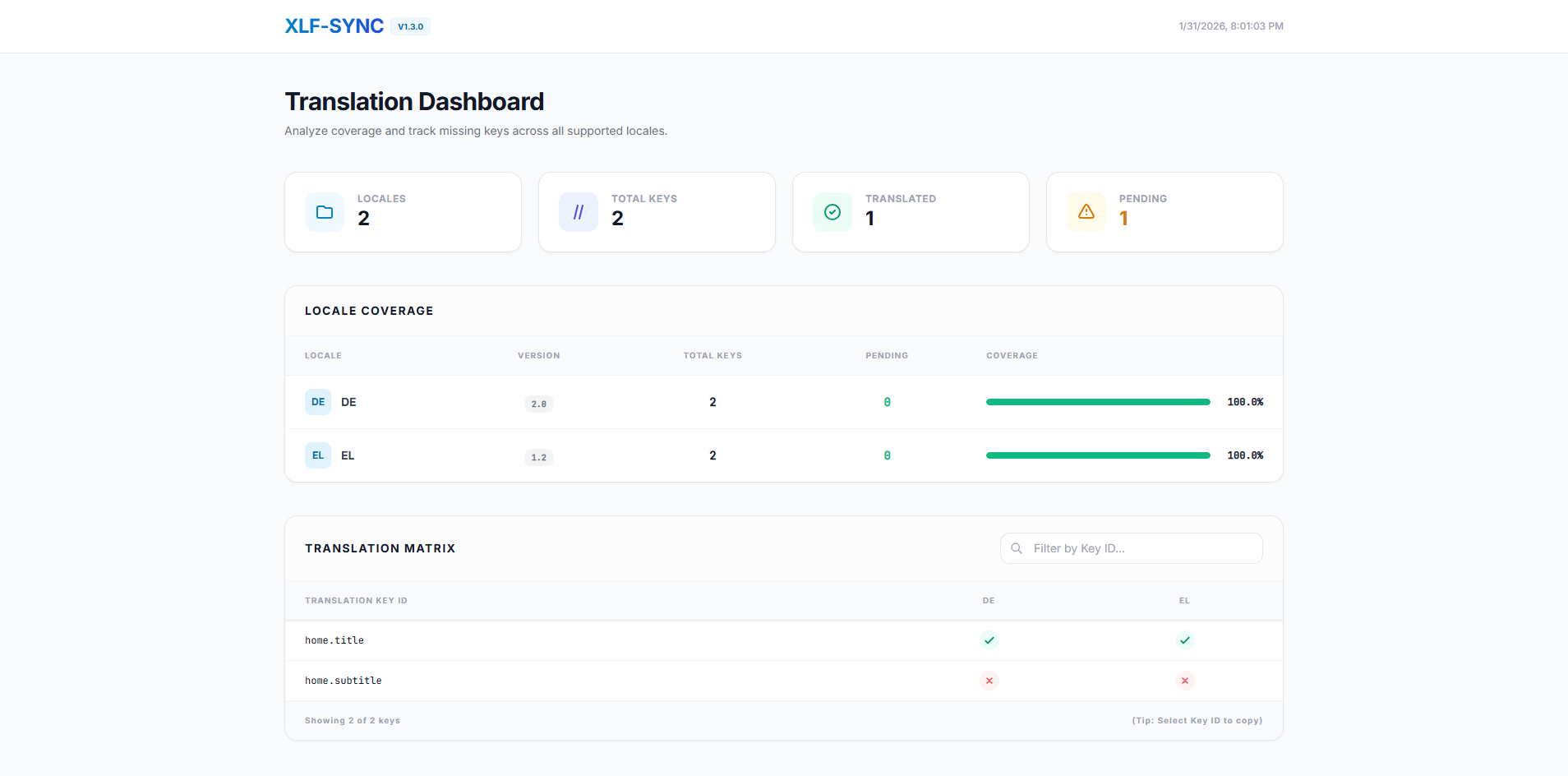
Features:
- 📊 Visual Statistics Cards: Overview of locales, total keys, translated count, and pending translations
- 📈 Coverage Progress Bars: Per-locale translation progress with percentage indicators
- 🔍 Translation Matrix: Interactive table showing which keys exist in each locale
- ✅ Green checkmark for translated keys
- ❌ Red X for missing translations
- Search bar to filter by key ID
- 🎨 Modern UI: Built with Tailwind CSS and Alpine.js for a premium, responsive experience
- 📱 Mobile-Friendly: Fully responsive design that works on all devices
| Option | Default | Description |
|---|---|---|
--source <path> |
src/locale/messages.xlf |
Path to the source XLIFF file. |
--locales <glob> |
src/locale/messages.*.xlf |
Glob pattern for target locale files. |
--out <path> |
xlf-report.html |
Path where the HTML file will be saved. |
A read-only command designed for Continuous Integration (CI) pipelines. It verifies the state of your translations without modifying any files.
# Check if files are in sync
npx xlf-sync check --fail-on-missing| Option | Default | Description |
|---|---|---|
--source <path> |
src/locale/messages.xlf |
Path to the source XLIFF file. |
--locales <glob> |
src/locale/messages.*.xlf |
Glob pattern for target locale files. |
--verbose |
false |
Lists exactly which keys are missing or obsolete for each locale. |
--fail-on-missing |
false |
CI Failure Condition: Fail if any translation targets are missing or empty. |
--fail-on-obsolete |
false |
CI Failure Condition: Fail if obsolete keys exist in locale files. |
--fail-on-added |
false |
CI Failure Condition: Fail if new keys exist in source that haven't been synced to locales yet. |
For large, long-lived projects, we recommend the Graveyard Strategy. Instead of cluttering your main files with obsolete keys or deleting them immediately (and losing work), this mode moves them to a separate file.
npx xlf-sync sync --obsolete graveyardResult:
messages.fr.xlf: Contains only active, valid translations._obsolete.fr.xlf: Contains all retired keys. You can restore them later if needed.
Add this step to your Pull Request validation workflow to ensure no developer merges broken translations:
- name: Verify i18n Sync
run: npx xlf-sync check --fail-on-missing --fail-on-added --verbose| Format | Support Level |
|---|---|
| XLIFF 1.2 | Legacy Angular projects. Supported fully. |
| XLIFF 2.0 | Modern Angular default. Supported fully. |
| Hybrid | Mixed version projects are detecting and handled automatically per file. |
We welcome contributions! Whether it's bug reports, feature requests, or code contributions, your help is appreciated.
Please read our Contributing Guidelines to get started.
Quick ways to contribute:
- ⭐ Star the project on GitHub
- 🐛 Report bugs
- 💡 Suggest features
- 🔧 Submit pull requests

MIT © Anastasios Theodosiou