Started with fixes, improvements and modifications to the simple and clean dst (code) theme. In the end it became yet another fully featured zsh theme. Still striving for cleanliness, though!
Picked inspirations and features from various themes: avit, bureau, clean, dst, jreese, mortalscumbag, michelebologna, sunaku, sunrise, tjkirch, spaceship, pure
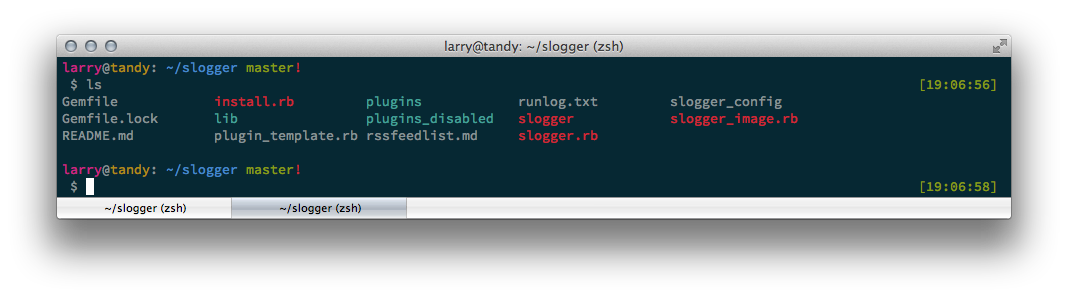

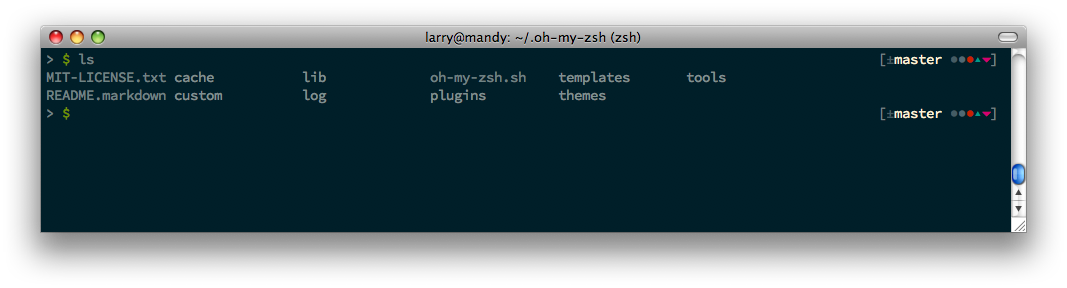
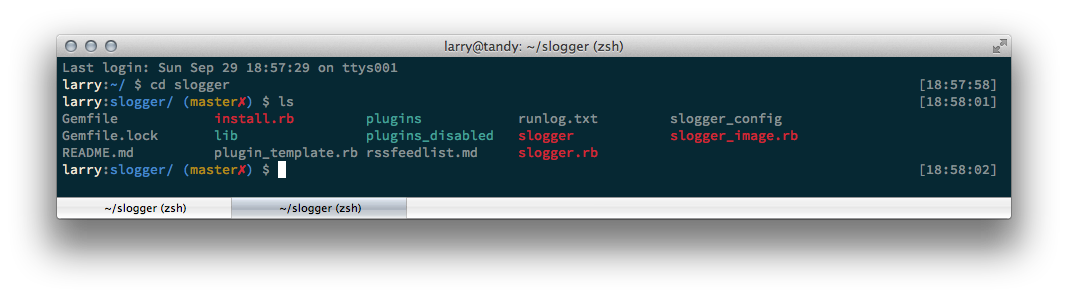
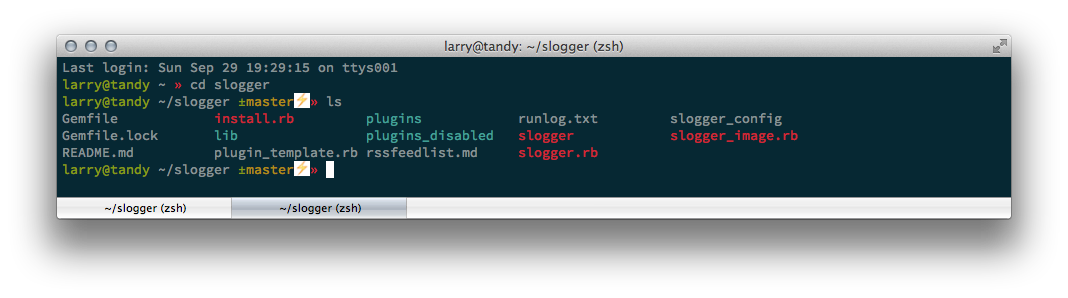
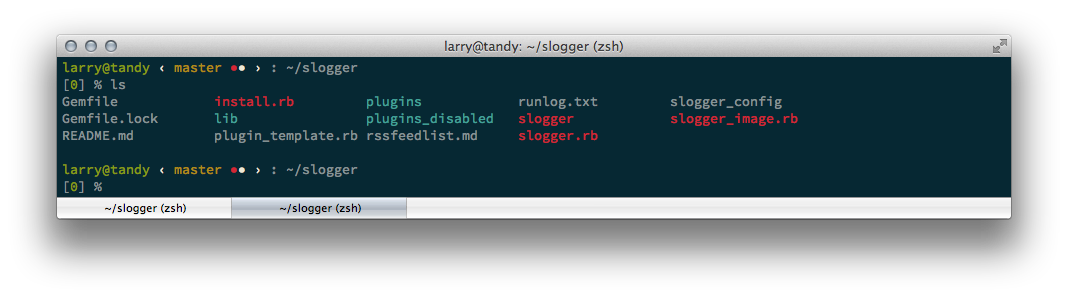


Features are:
- Solarized color-scheme inspired theme with info and command prompt split on 2 lines to allow for enough space for both
- clock/time on the right
- the usual: username, host, current directory in prompt
- different color and prompt for
rootuser - show a little
✗in front of the current path if it is not writable by the user - show if on
sshconnection gitstatus if inside a repo: shows the branch-name and repository status in a verbose description or using only symbols (✓✶✗↝✩⇡⇣↱⤱)- python virtual environment name in prompt
- show return code of last command if it was not
0. additionally translates the return code to a human readable error message - duration of last command for long running commands, i.e. > 20 seconds
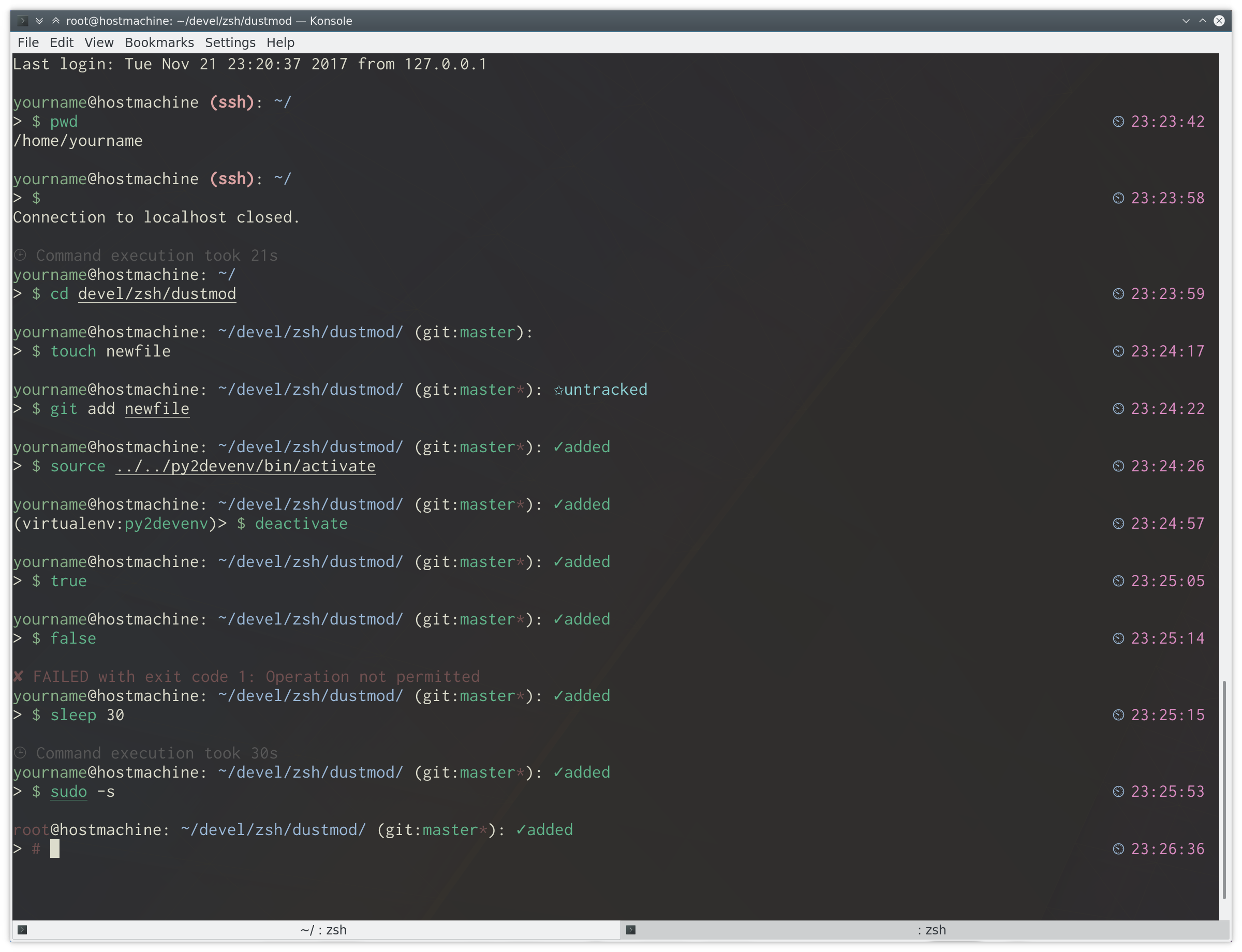
Showing Konsole on Linux with Inconsolata Font at 13 point.
- Zsh - see zsh.org
- a Zsh framework like oh-my-zsh, antigen, zplug or zgen
- git lib for zsh - provided by above frameworks
- needs Python installed to translate the return error codes
Download the theme file to the right directory for you framework and add the following line to your .zshrc file depending on your zsh plugin manager:
-
oh-my-zsh - adding themes howto
ZSH_THEME="dustmod" -
antigen theme bmihaila/dustmod dustmod -
zgen:
zgen load bmihaila/dustmod -
zplug "bmihaila/dustmod"
The appearance can be modified by setting environment variables in your .zhrc:
DUSTMOD_COMMAND_TRACK_MIN_TIME_SECS=20- after how many seconds consider a "long running command" and display its runtime after it finishedDUSTMOD_GIT_STATUS_LONG_DESCRIPTION="true"- show the git status verbose, e.g.✶modifiedor only using the symbols✶DUSTMOD_USER_HOST_ALWAYS="true"- show theusername@hostnamepart always or hide it when on the local machine
For further changes, modify the code!