Important
We thank PingiHost for supporting and sponsoring this. project.
Show Server Commands
sudo apt update && sudo apt upgrade -ycurl -fsSL https://get.docker.com | shShow Run Commands
mkdir -p /opt/erfjab/servermanagerbot/data
curl -o /opt/erfjab/servermanagerbot/docker-compose.yml https://raw.githubusercontent.com/erfjab/servermanagerbot/master/docker-compose.yml
cd /opt/erfjab/servermanagerbot
curl -o .env https://raw.githubusercontent.com/erfjab/servermanagerbot/master/.env.exampleYou can set the database values as you like, but make sure to also add the same values inside the docker-compose.yml file to ensure your database is properly configured.
nano .envThen edit your docker-compose.yml file as well:
nano docker-compose.ymldocker compose pulldocker compose up -dAfter a few moments, the bot will start running.
Show Update Commands
Make sure you're in the servermanagerbot directory:
cd /opt/erfjab/servermanagerbotThen update the bot:
docker compose pull && docker compose up -dShow Manage Commands
Make sure you're in the servermanagerbot directory:
cd /opt/erfjab/servermanagerbot-
Restart the Bot:
docker compose restart
-
Stop the Bot:
docker compose down
-
View Logs:
docker compose logs -f
Show GA Commands
Make sure you're in the HolderBot directory:
cd /opt/erfjab/servermanagerbot-
Open the Docker Compose File:
nano docker-compose.yml
-
Change the Image Tag:
From:
erfjab/servermanagerbot:latestTo:
erfjab/servermanagerbot:ga -
Pull the Docker Image:
docker compose pull
-
Start the Bot:
docker compose up -d
- Telegram Channel: @ErfJabs
- Telegram Chat: @ErfJabChat
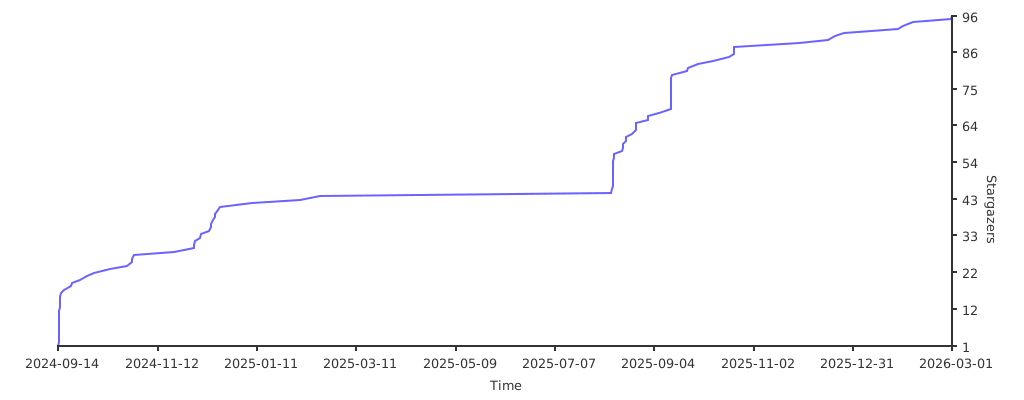
⭐ Star the Project: