



This is a BepInEx plugin for Valheim that allows you to configure signs to display in-game information.
Feel free to suggest other useful signs!
Simply place any sign and set the text to one of the following options, e.g {{onlineCount}}.
- Online Count
- Death Count
- Death Leaderboard
- Total Server Deaths
- Comfort
- Stamina
- Health
- Skills
- Game Time
- Actual Time
- Day Percentage
- Night Countdown
- Smelter/Eitr Content
- Storage Content
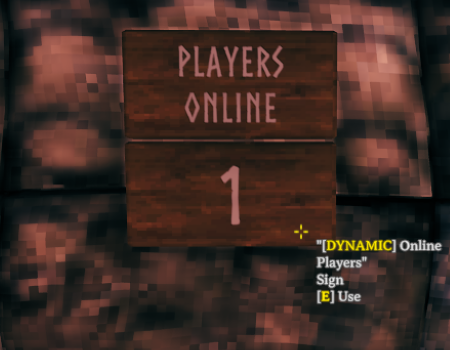
Displays the current number of players online.
{{onlineCount}}
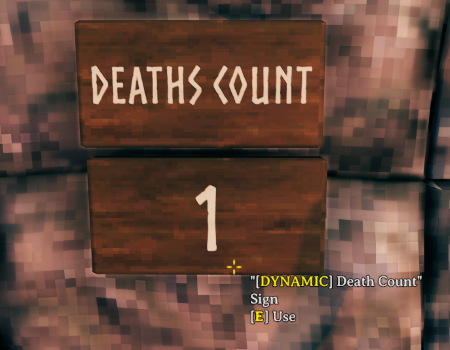
Displays the current player's number of deaths on this world.
{{deathCount}}
| Option | Description | Example | Example Output |
|---|---|---|---|
playerId |
The player's name or ID. Defaults to the current player if left blank |
{{deathCount jcdc}} |
3 |
You can change each player's death by editing the Offset value stored in BepInEx/config/jcdcdev.Valheim.Signs/death-leaderboard.json
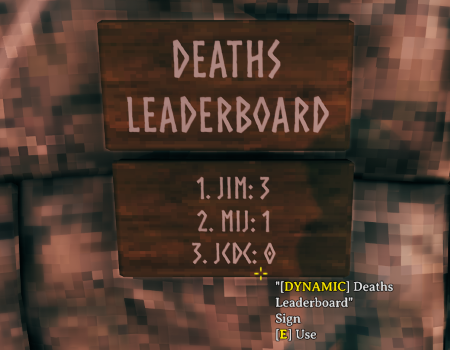
Displays the players with the most deaths on this world.
{{deathBoard}}
| Option | Description | Example | Example Output |
|---|---|---|---|
count |
The number of players to show Defaults to 3 if left blank |
{{deathBoard 2}} |
1. JIM: 32. MIJ: 1 |
You can change each player's death by editing the Offset value stored in BepInEx/config/jcdcdev.Valheim.Signs/death-leaderboard.json
Displays the total number of deaths on this world.
{{totalDeaths}}
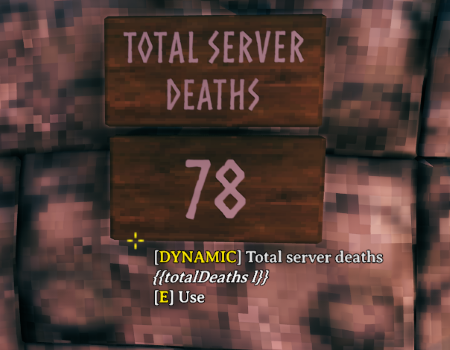
| Option | Description | Example | Example Output |
|---|---|---|---|
l |
Removes the label | {{totalDeaths l}} |
3 |
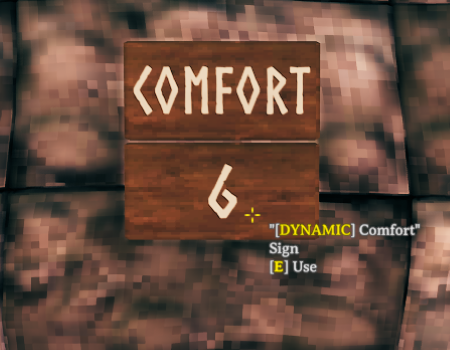
Displays the current comfort level of the player.
{{comfort}}
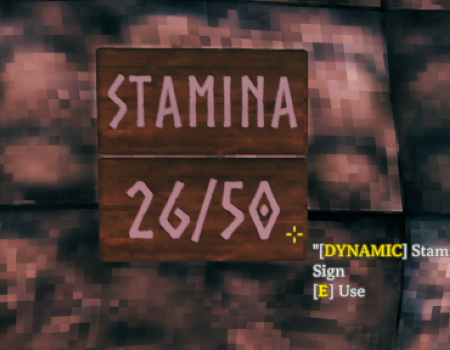
Displays the current stamina level of the player.
{{stamina}}
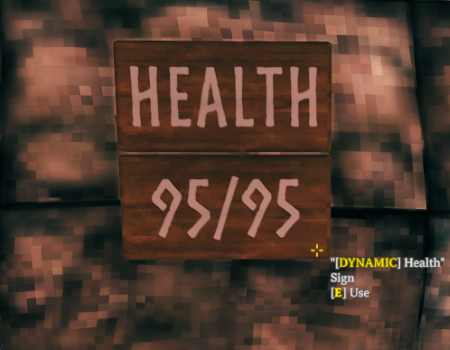
Displays the current health level of the player.
{{health}}
Displays the skill level of a player.
{{skill bows}}
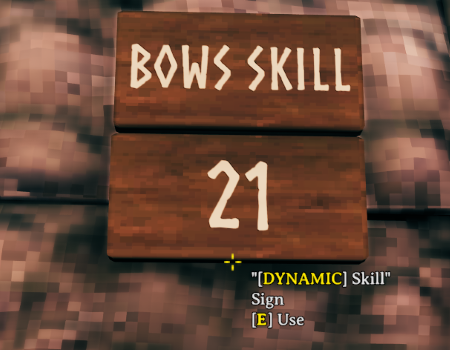
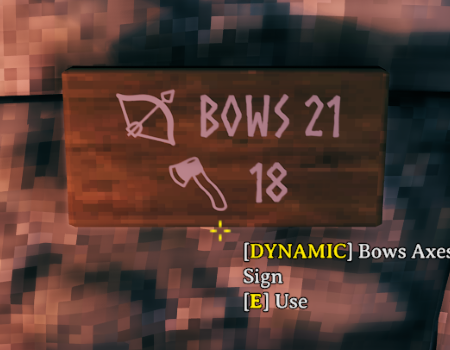
- Axes
- Blocking
- BloodMagic
- Bows
- Clubs
- Crossbows
- ElementalMagic
- Fishing
- Jump
- Knives
- Pickaxes
- Polearms
- Ride
- Run
- Sneak
- Spears
- Swim
- Swords
- Unarmed
- WoodCutting
| Option | Description | Example | Example Output |
|---|---|---|---|
emoji |
Adds an emoji | {{skill bows emoji}} |
🏹 100 |
label |
Adds a label | {{skill bows label}} |
Bows 100 |
playerId |
The player's name or ID. Defaults to the current player if left blank |
{{skill bows jcdc}} |
100 |
Displays the current in-game time.
{{gameTime}}
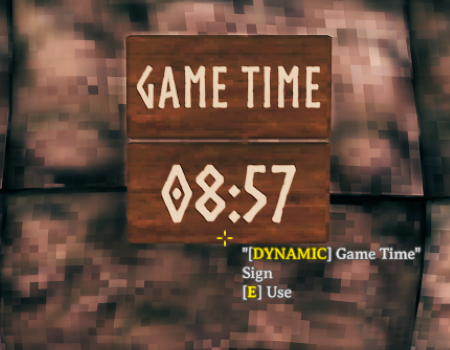
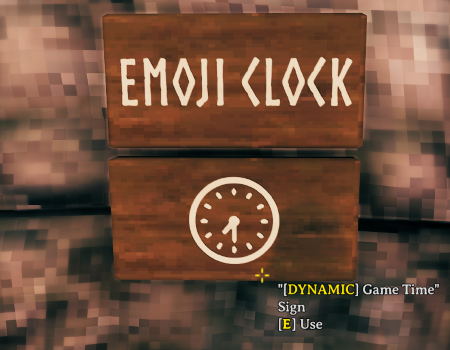
| Option | Description | Example | Example Output |
|---|---|---|---|
12 |
Outputs in 12 hour format | {{gameTime 12}} |
12:00 AM |
s |
Adds seconds to the time | {{gameTime s}} |
12:00:00 |
emoji |
Outputs as an emoji | {{gameTime emoji}} |
🕛 |
Displays the current time.
{{actualTime}}
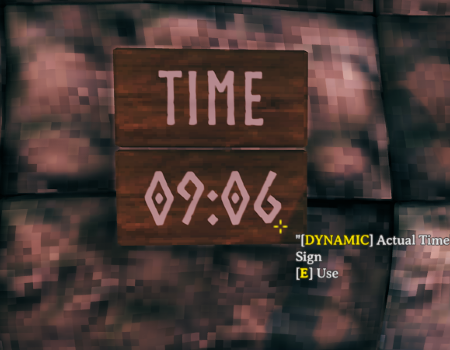
| Option | Description | Example | Example Output |
|---|---|---|---|
12 |
Outputs in 12 hour format | {{actualTime 12}} |
12:00 AM |
s |
Adds seconds to the time | {{actualTime s}} |
12:00:00 |
f |
Outputs full date and time | {{actualTime f}} |
06 September 2024 09:08 |
g |
Outputs date and time | {{actualTime g}} |
06/09/2024 09:08 |
emoji |
Outputs as an emoji | {{gameTime emoji}} |
🕛 |
Displays the current day percentage.
{{dayPercentage}}
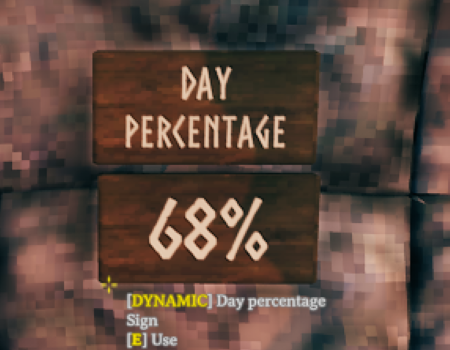
Displays the (real) time in minutes until the night.
{{nightCountdown}}
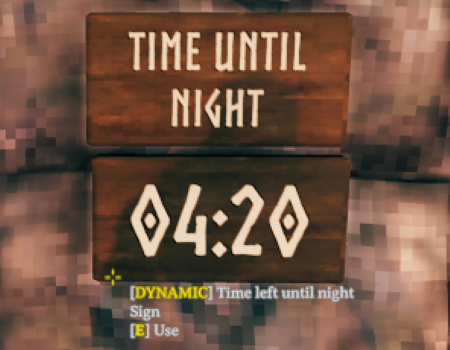
| Option | Description | Example | Example Output |
|---|---|---|---|
s |
Adds seconds to the time | {{nightCountdown s}} |
02:12 |
Displays the contents of the nearest smelter or eitr.
{{smelterContent}}
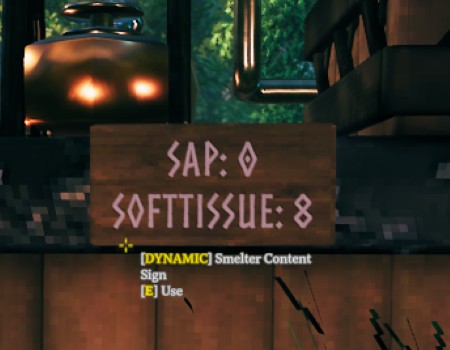
| Option | Description | Example | Example Output |
|---|---|---|---|
l |
Removes the label | {{smelterContent l}} |
105 |
f |
Only displays fuel | {{smelterContent f}} |
WOOD: 10 |
o |
Only displays ore | {{smelterContent o}} |
COPPER: 5 |
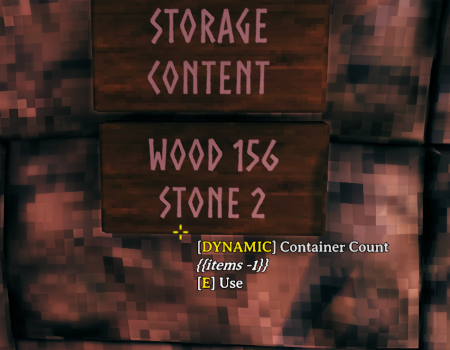
Displays the contents of storage such as chests.
{{items}}
| Option | Description | Example | Example Output |
|---|---|---|---|
s |
Displays number of stacks | {{items s}} |
WOOD: 3IRON: 1 |
l |
Removes the label | {{items l}} |
105 |
t |
Counts all items across all valid storage objects (supports name filters & search radius) | {{items total}} |
COPPER: 10 |
search_radius |
The search radius for the sign to find storage objects Defaults to the nearest storage object if left blank or < 1 |
{{items iron 5}} |
IRON: 10 |
item_name |
Only displays the specified item name (supports multiple names) | {{items wood iron}} |
WOOD: 150 IRON: 20 |
This mod must be installed on the server and all clients to work. Players will not be able to join the server/your game if they do not have the mod installed.
If you're using a mod installer, you can likely ignore this section.
- Download BepInEx,
- Extract everything inside
BepInEx_Valheiminto your Valheim folder- e.g
C:/<PathToYourSteamLibrary>/steamapps/common/Valheim
- e.g
- Download the mod
- Extract the ZIP
- Place the
jcdcdev.Valheim.Signsfolder intoBepInEx/pluginsof your Valheim folder.