
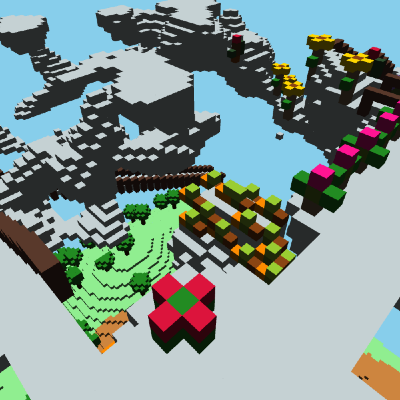
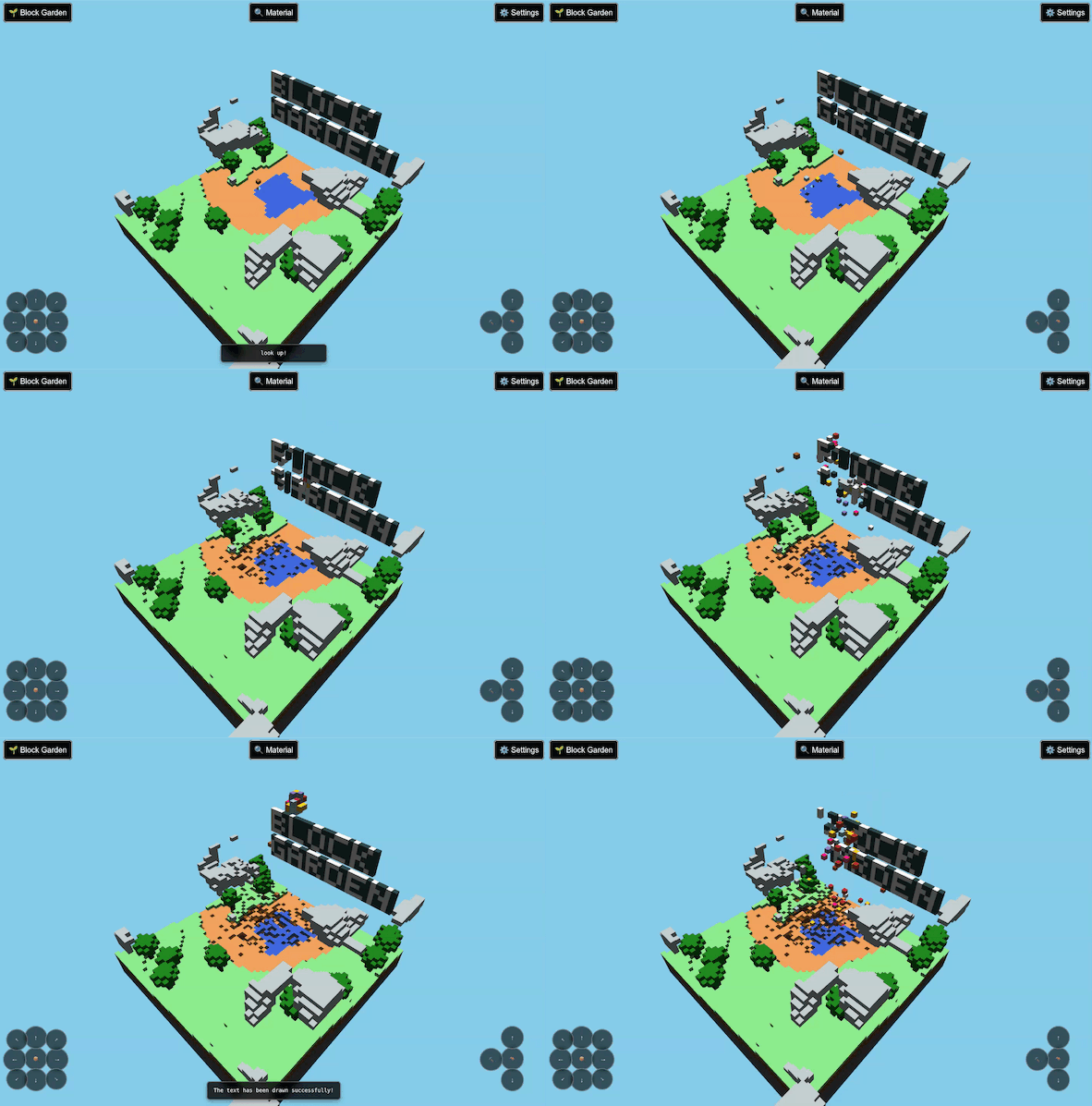
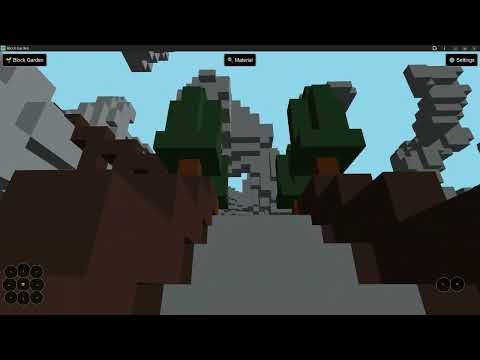
Block Garden - A 3D sandbox exploration and farming game. Explore procedurally generated worlds, dig for resources, and cultivate a variety of plants.
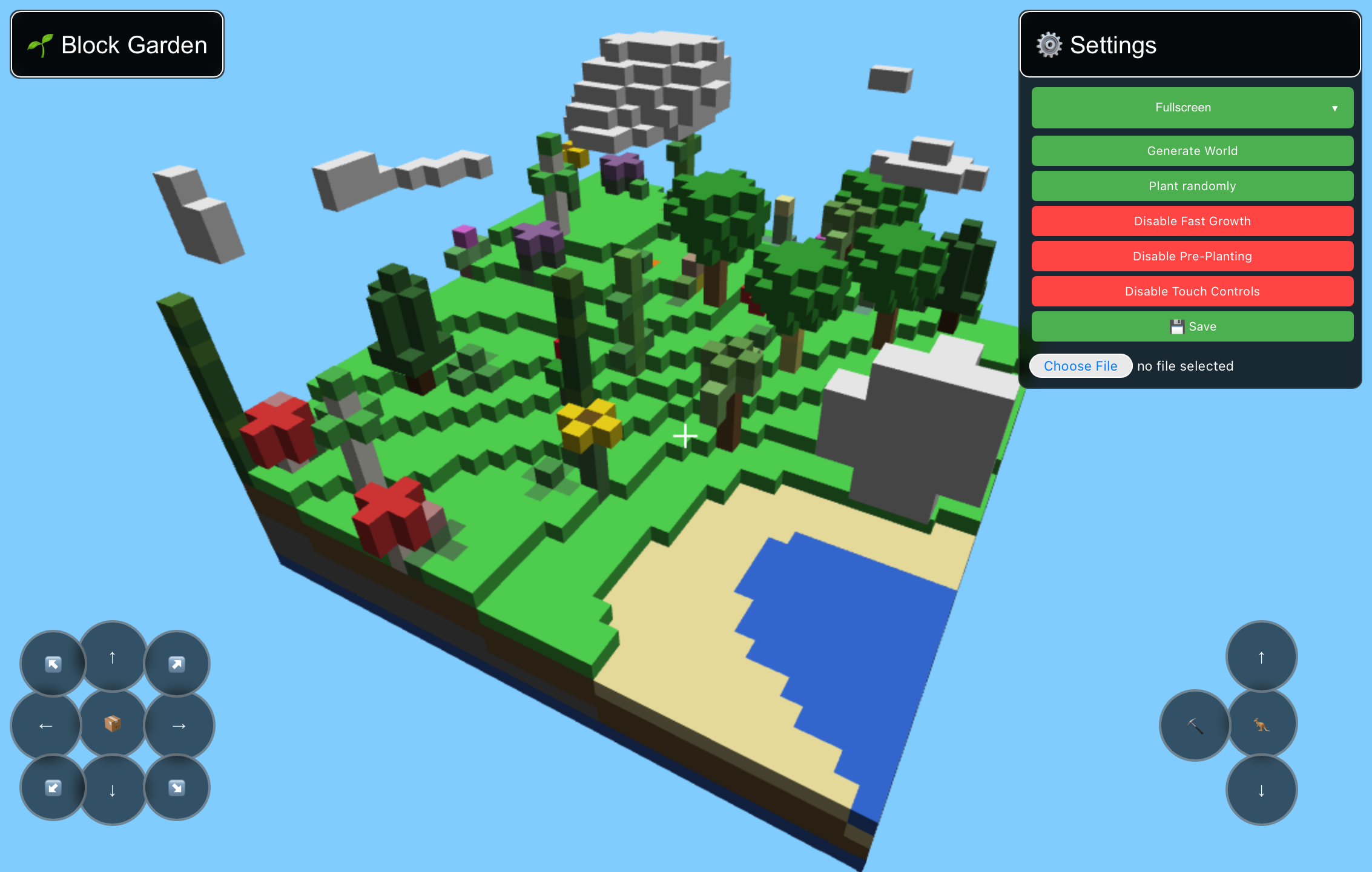
- Procedural World Generation - Each world is unique, generated from a shareable seed.
- Building & Harvesting - Use collected materials to place blocks and shape the world.
- Dynamic Day/Night Cycle - Experience a living world with changing sky colors and lighting.
- Inventory System - Manage your resources with a non-creative mode style inventory.
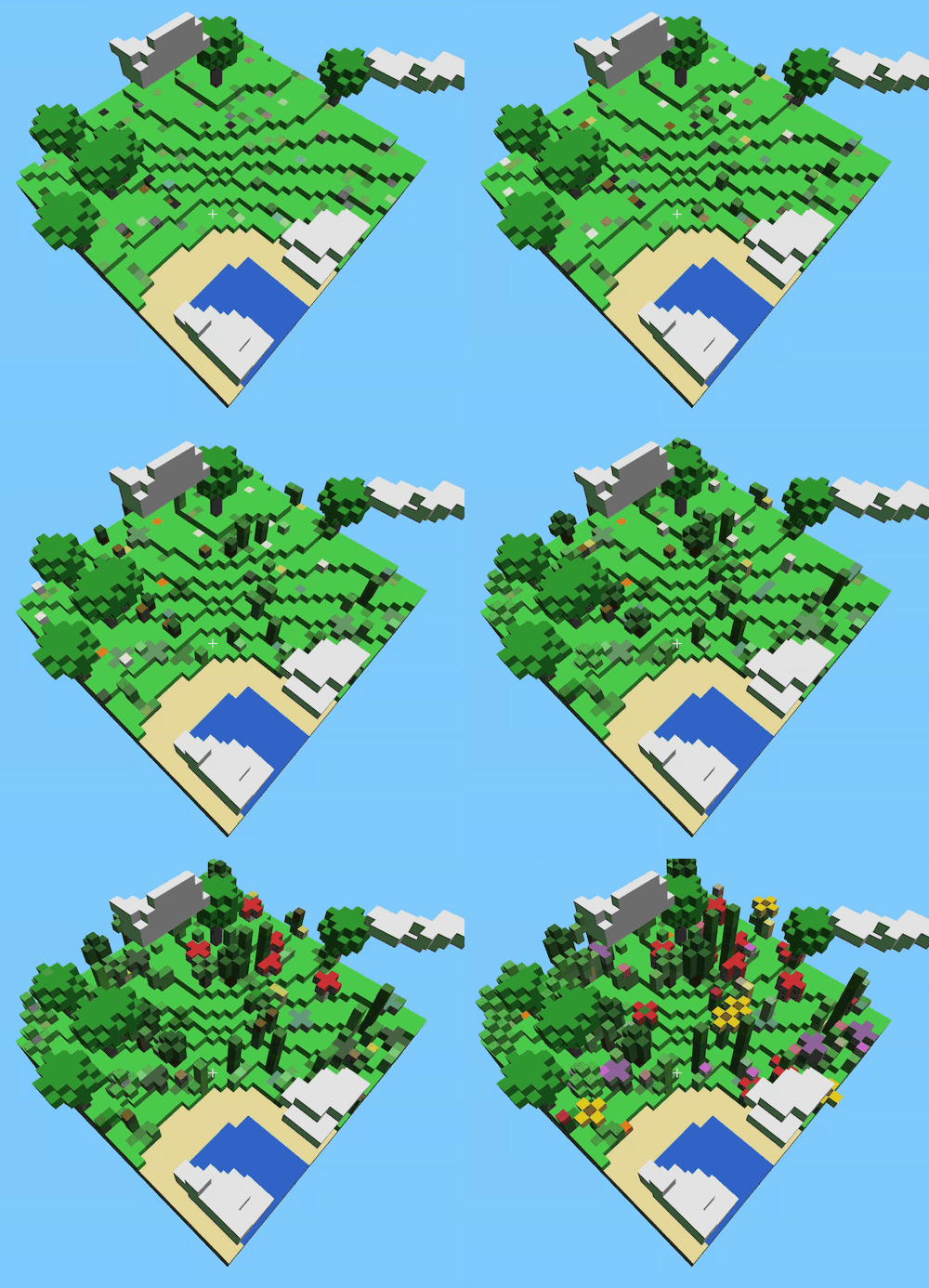
- Expanded Flora - Cultivate and harvest a wide variety of plants, from Agave to Willow Trees.
- Advanced Storage - Save your progress on-device, or share your world as a PDF or PNG.
- Lighting System - Use torches, lanterns, and lightstones to illuminate the darkness.
- Clouds - Continue building and farming while in the sky.
- Resource Management - Dig for resources like stone, dirt, and sand, and mine ores including coal, iron, gold, copper, silver, and diamond.
- Privacy-respecting - No login or data collection required.
- Cross-platform - Full support for both desktop and mobile play.
- Movement:
w/a/s/d - Camera:
Arrow Keys - Descend:
Shift - Jump / Ascend:
Space - Place Block:
EnterorRight Click - Break Block: Hold
EnterorLeft Clickand hold - Change Block:
~/` - Hotbar Slots:
1-9 - Open Inventory / Materials:
e/i - Toggle Hotbar:
m - Toggle Flight:
k(Creative Mode only) - World Generation Menu:
Ctrl+s - Touch Hold: Break Block
- Touch: Place Block
Block Garden features two primary ways to play:
- Non-Creative Mode (Default): Resources are limited. You must dig for stone, dirt, and sand, and harvest plants to gather seeds and materials.
- Creative Mode: Unlimited resources and flight are enabled. Perfect for building large structures and massive gardens without resource constraints. Enable this in the Settings menu.
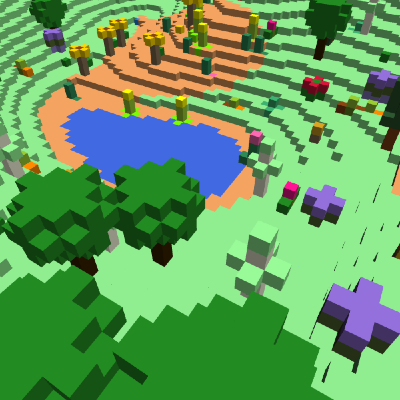
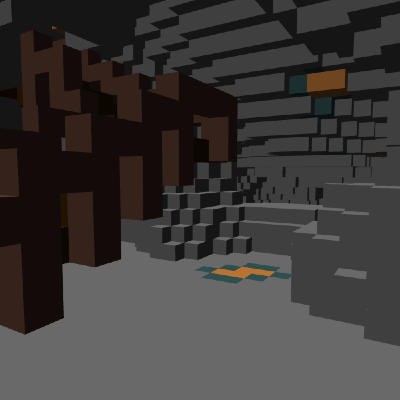
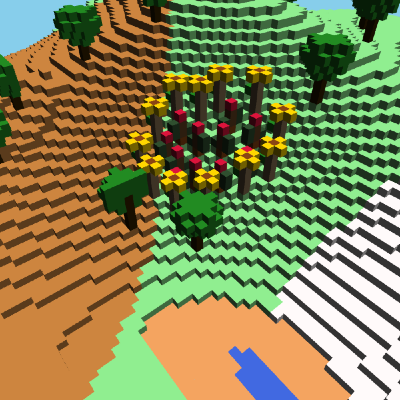
Get started by opening one of the saved games below:
npm i && npm startSee AGENTS.md for detailed architecture, build, test, and development workflow instructions.
Quick reference:
- Build:
npx rollup -c - Test:
npm test - Dev Server:
npm start(runs on http://localhost:3000) - Alt Dev Server:
npm run start:dev(runs on http://localhost:8080)