I am re-opening a new issue since I have no response on the other issue and eventhough this particular issue may be a solved one, none of the solutions are working for me or I might be going wrong somewhere, however, without any response it is getting a bit difficult for me to carry on with my project.
Following is what I tried for changing baseline:
( a) I edit BP_FlyingPawn using UE4Editor as suggested in #1770 (comment).
(b )Next, I save, build, and compile in UE4Editor itself. I close the UE4Editor and reopen it to find no change in the baseline.
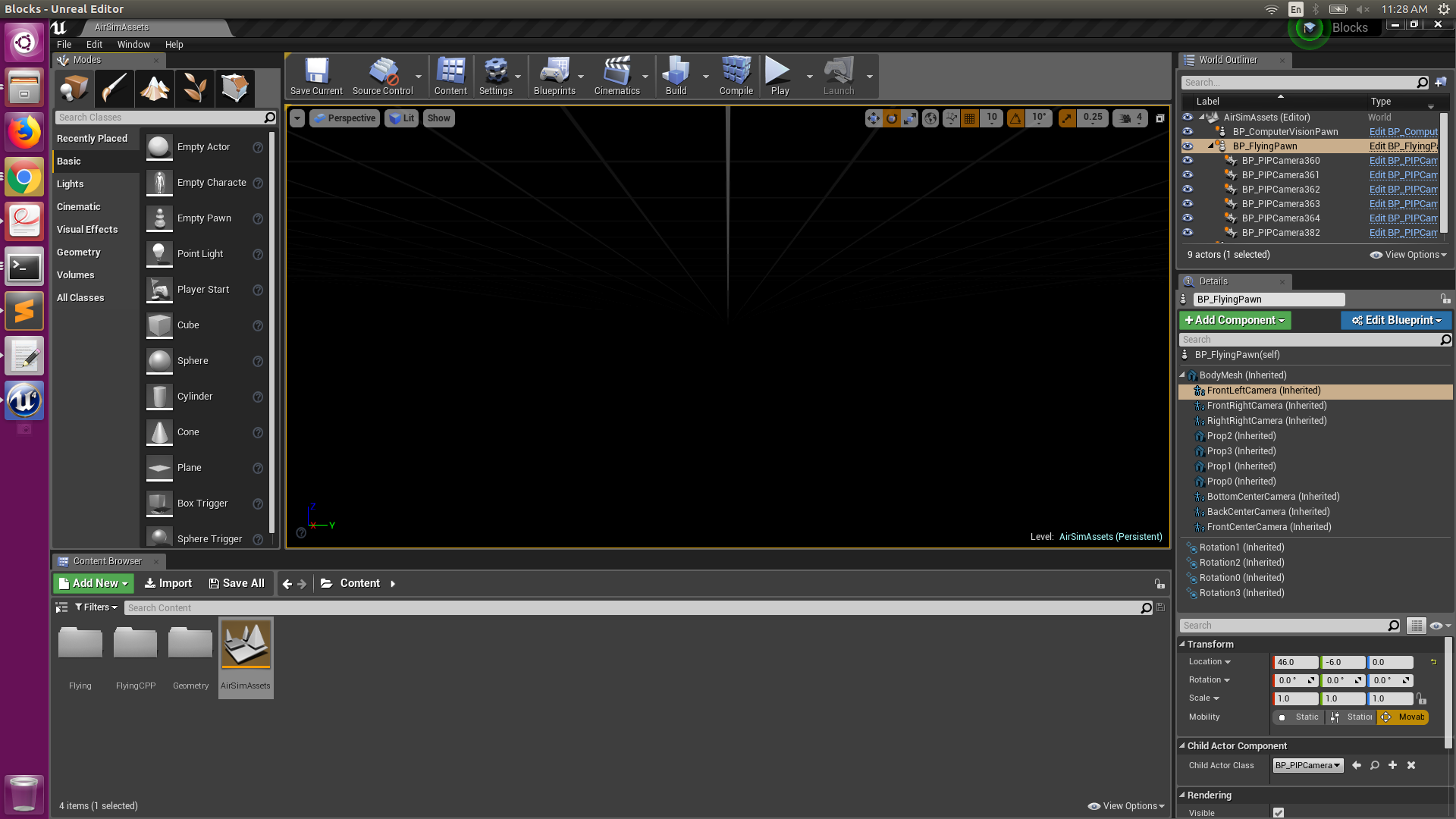
Left Camera in BP_FlyingPawn:
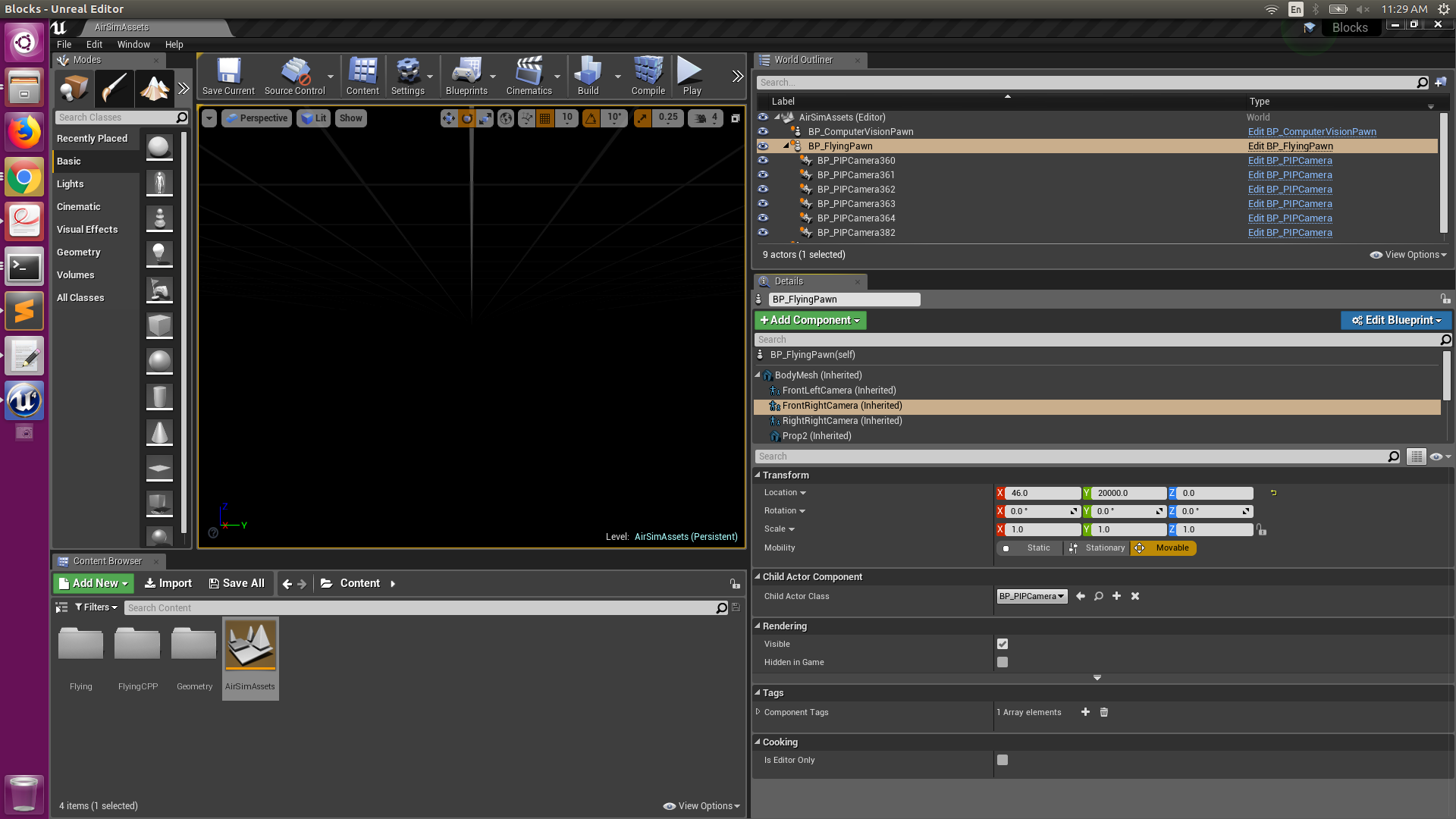
Right Camera in BP_FlyingPawn:
The images retrieved from Front RIght, Front Left, and Front Center, are evident from snap below.:
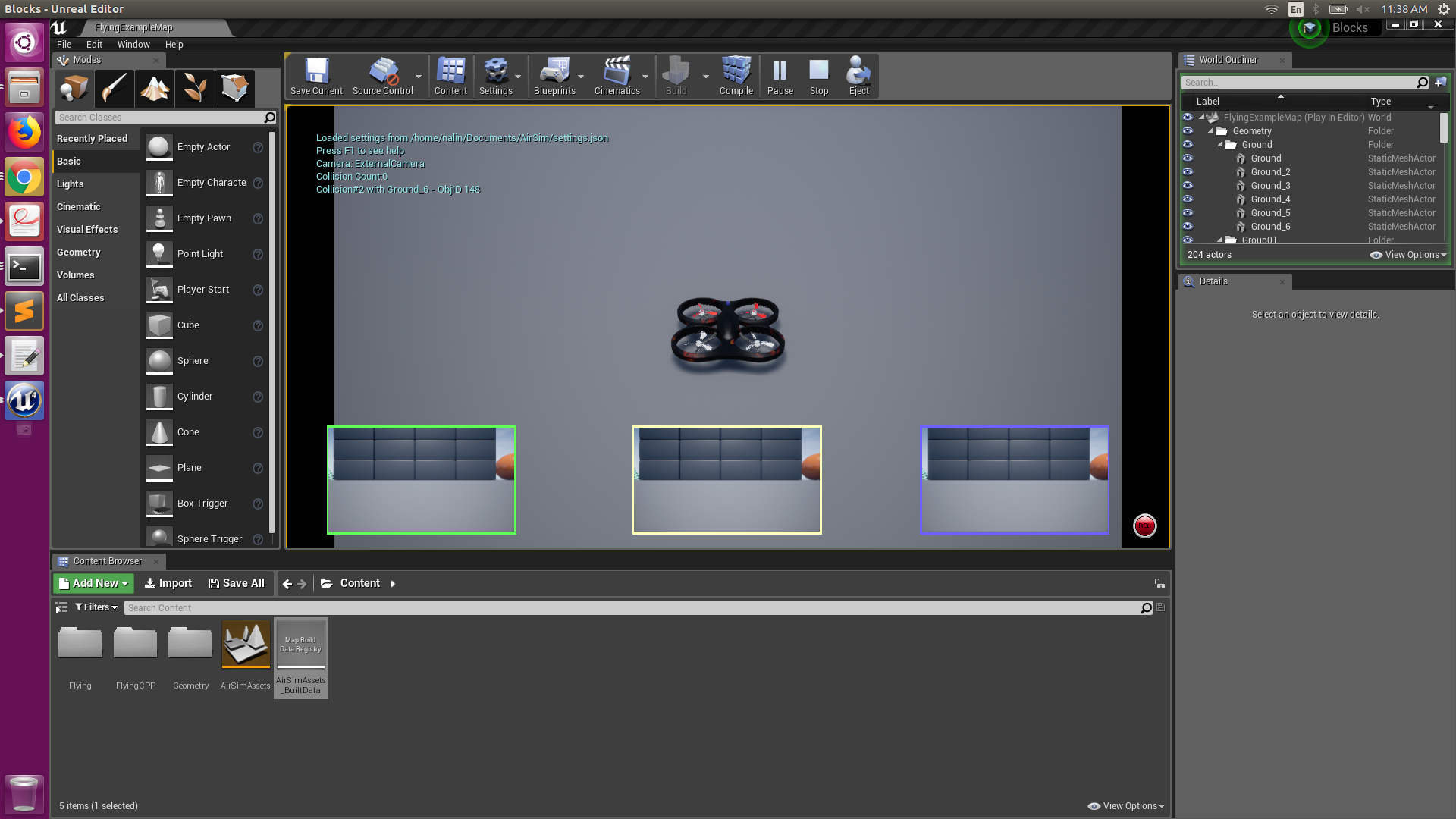
Like both Left and Right cameras are 2006 units apart.
The settings.json file I used is:
{ "SettingsVersion": 1.2, "SimMode":"Multirotor", "SubWindows": [ {"WindowID": 0, "CameraName": "1", "ImageType": 0, "Visible": false}, {"WindowID": 1, "CameraName": "2", "ImageType": 0, "Visible": false}, {"WindowID": 2, "CameraName": "0", "ImageType": 0, "Visible": false} ] }
I would really be glad to have this issue solved.

I am re-opening a new issue since I have no response on the other issue and eventhough this particular issue may be a solved one, none of the solutions are working for me or I might be going wrong somewhere, however, without any response it is getting a bit difficult for me to carry on with my project.
Following is what I tried for changing baseline:
( a) I edit
BP_FlyingPawnusing UE4Editor as suggested in #1770 (comment).(b )Next, I save, build, and compile in UE4Editor itself. I close the UE4Editor and reopen it to find no change in the baseline.
Left Camera in

BP_FlyingPawn:Right Camera in

BP_FlyingPawn:The images retrieved from Front RIght, Front Left, and Front Center, are evident from snap below.:

Like both Left and Right cameras are 2006 units apart.
The
settings.jsonfile I used is:{ "SettingsVersion": 1.2, "SimMode":"Multirotor", "SubWindows": [ {"WindowID": 0, "CameraName": "1", "ImageType": 0, "Visible": false}, {"WindowID": 1, "CameraName": "2", "ImageType": 0, "Visible": false}, {"WindowID": 2, "CameraName": "0", "ImageType": 0, "Visible": false} ] }I would really be glad to have this issue solved.