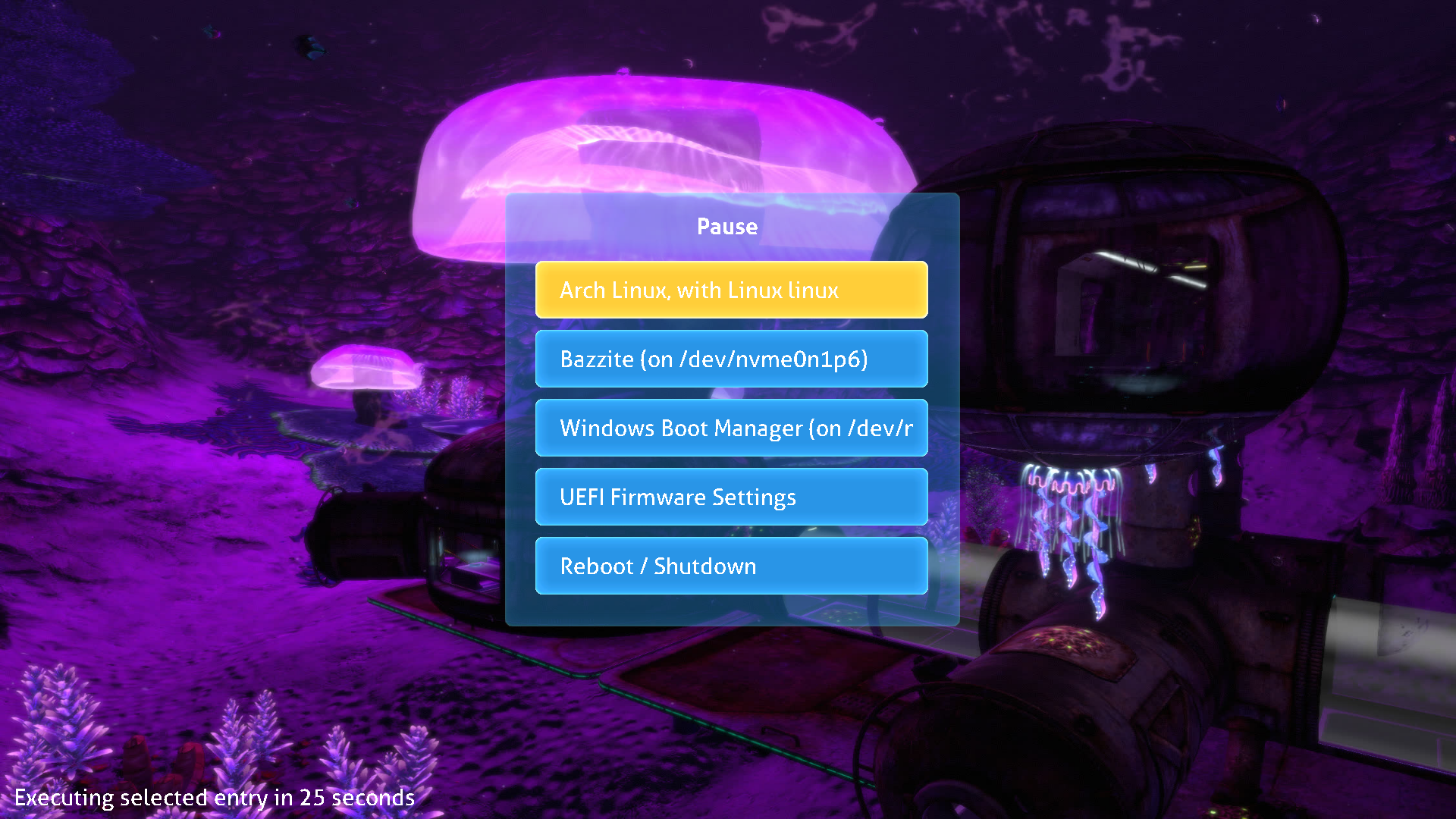
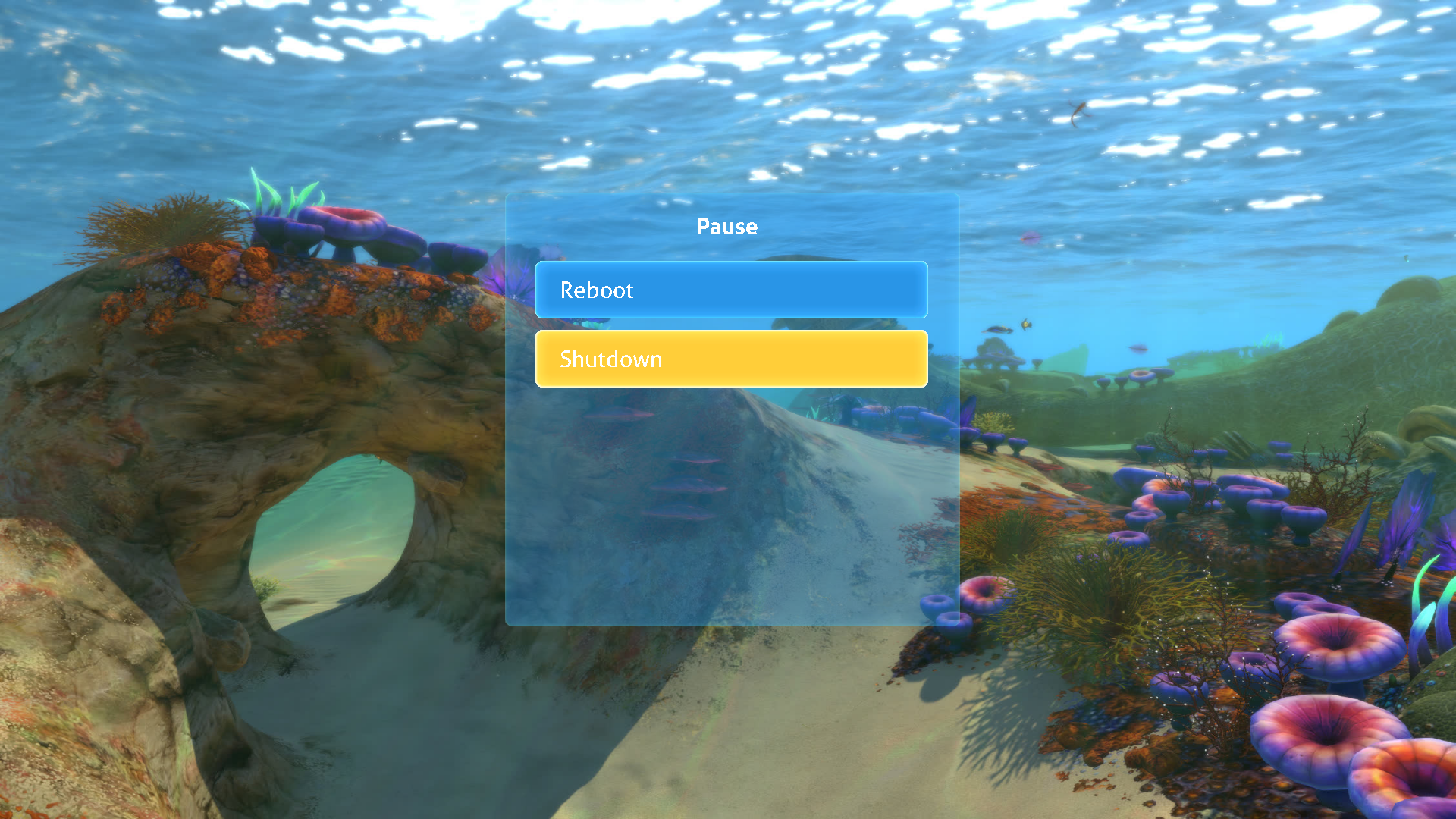
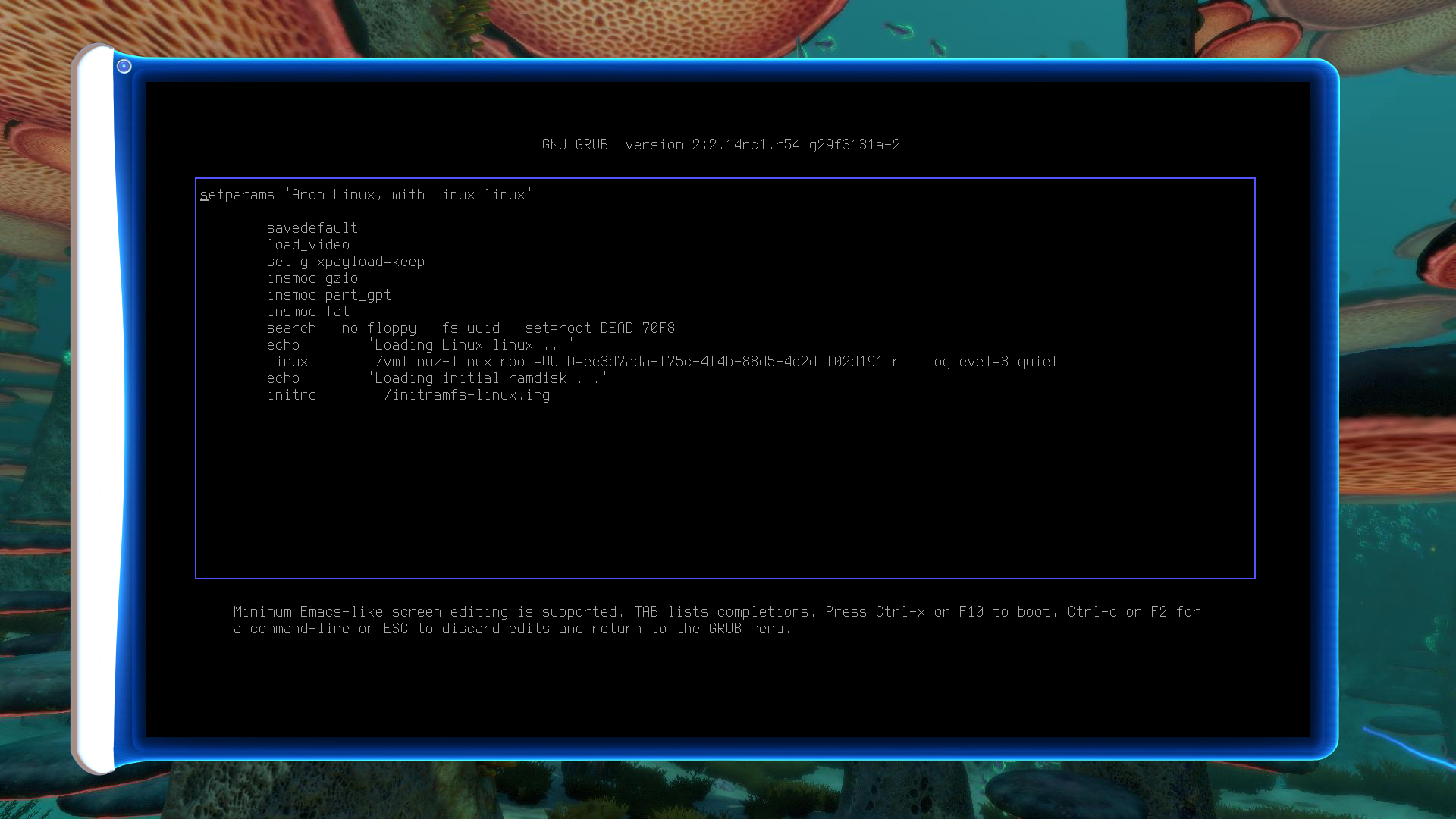
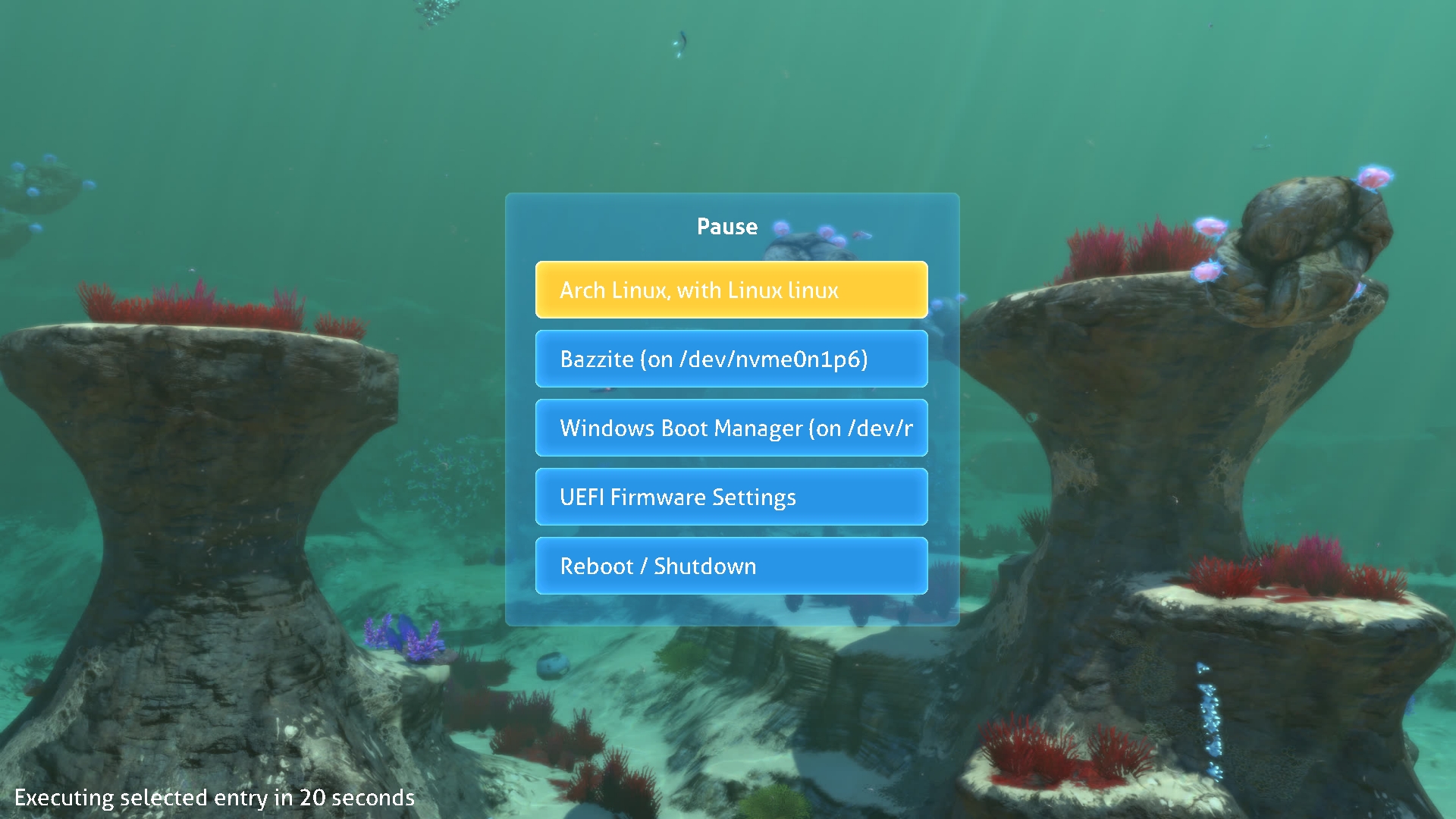
Subnautica themed GRUB2 theme.
NOTE
You may have a
/boot/grub2directory instead of/boot/grub. In that case, replaceGRUB_PATHininstall.shand adapt the commands below accordingly.
- Get the theme from the latest release archive
grubnautica.tar.gz, or clone this repository:
git clone https://github.com/tatounee/grubnautica.git- Install the theme:
sudo ./install.sh- Add or update this line in
/etc/default/grub:
GRUB_THEME=/boot/grub/themes/grubnautica/theme.txt- Regenerate your GRUB configuration:
sudo grub-mkconfig -o /boot/grub/grub.cfg- Done!
- Get the theme from the latest release archive
grubnautica.tar.gz, or clone this repository:
git clone https://github.com/tatounee/grubnautica.git- Choose a background image by copying one from
backgrounds/togrubnautica/background.png, or use the dedicated script:
./choose_background.sh- Copy the
grubnautica/directory to your GRUB themes directory:
sudo cp -r grubnautica /boot/grub/themes/- Add or update this line in
/etc/default/grub:
GRUB_THEME=/boot/grub/themes/grubnautica/theme.txt- Regenerate your GRUB configuration:
sudo grub-mkconfig -o /boot/grub/grub.cfg- Done!
You can use Jacksaur's cycling script to automatically change your background image at each reboot.