


A very weak(pi) library system. (一个非常菜(皮)的图书管理系统)
It's a cross-platform/multi-thread/async(Server)/sync(Client) library system.
Here are the functions:
- Login/Logout/Register
- Browse Books(Newest books, Top 15 books)
- Search Books(Plain text, Regex)
- Star Books(Star your favorite books)
- Borrow/Return Books
- Record(Browse, Borrow, Keep, Login)
- Administer(Add/Modify book, Modify user)
- Internationalization(supported en_US, zh_CN until now)
- etc.
| Log in | Sign up |
|---|---|
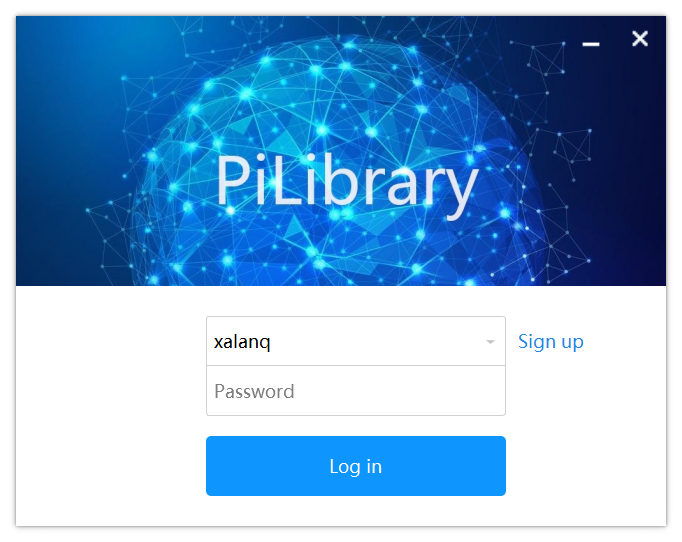 |
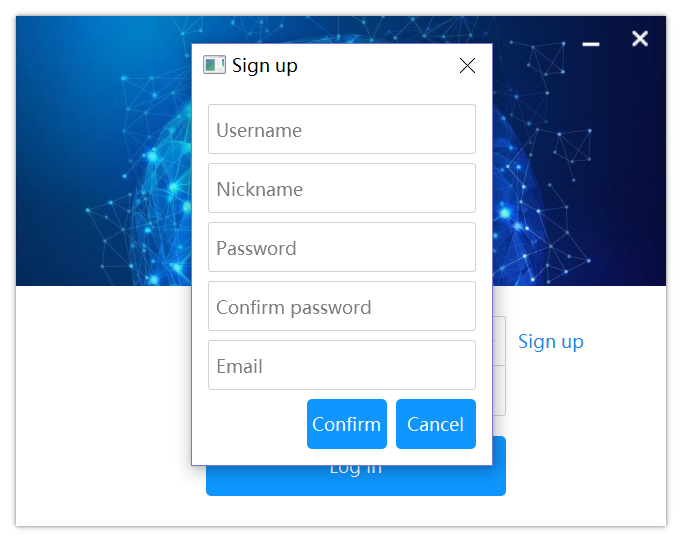 |
| Newest books | Search |
|---|---|
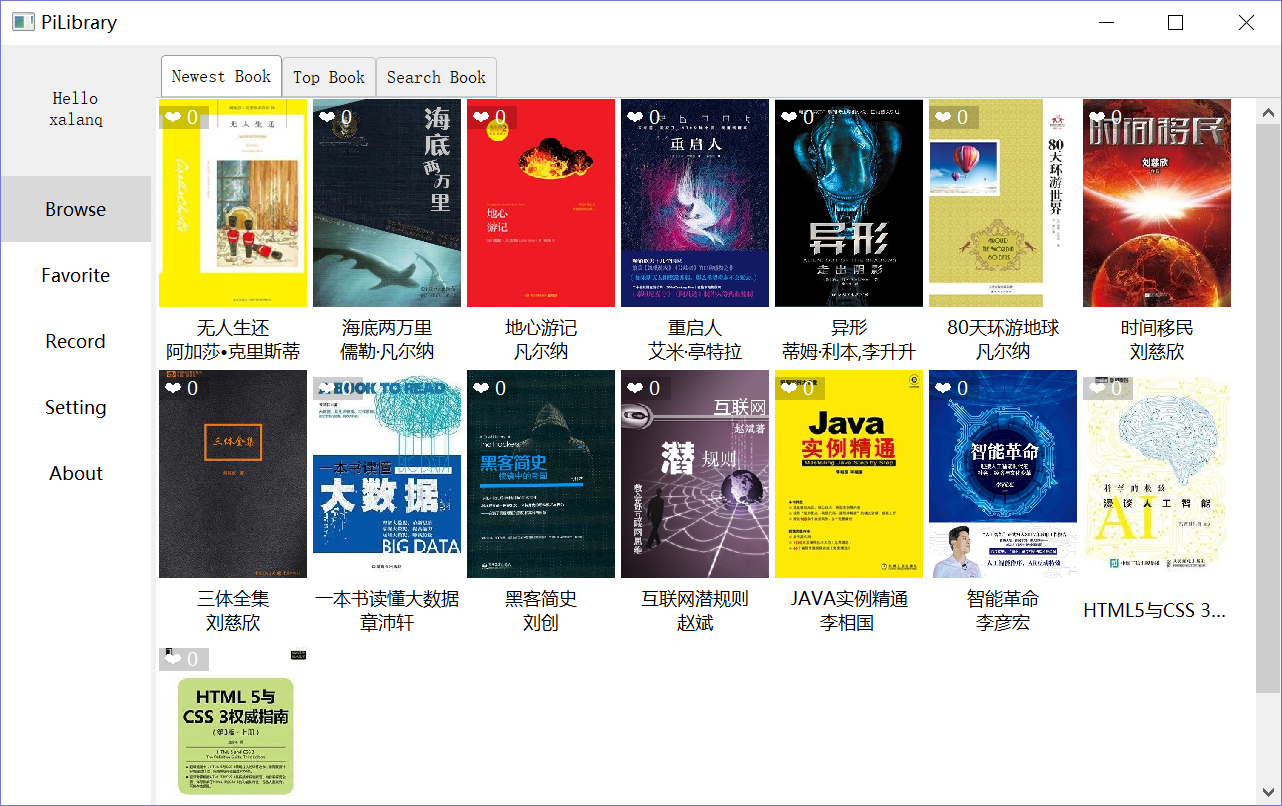 |
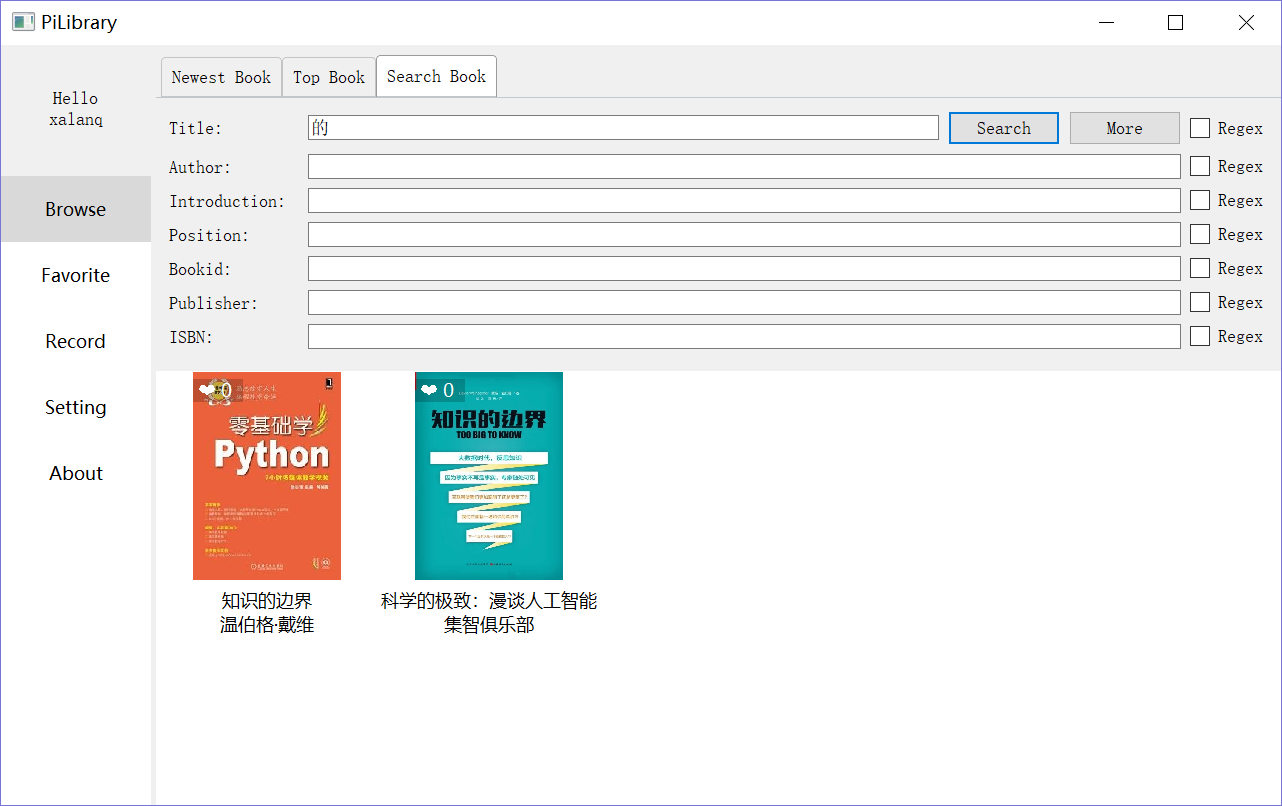 |
| Book | Borrow a book |
|---|---|
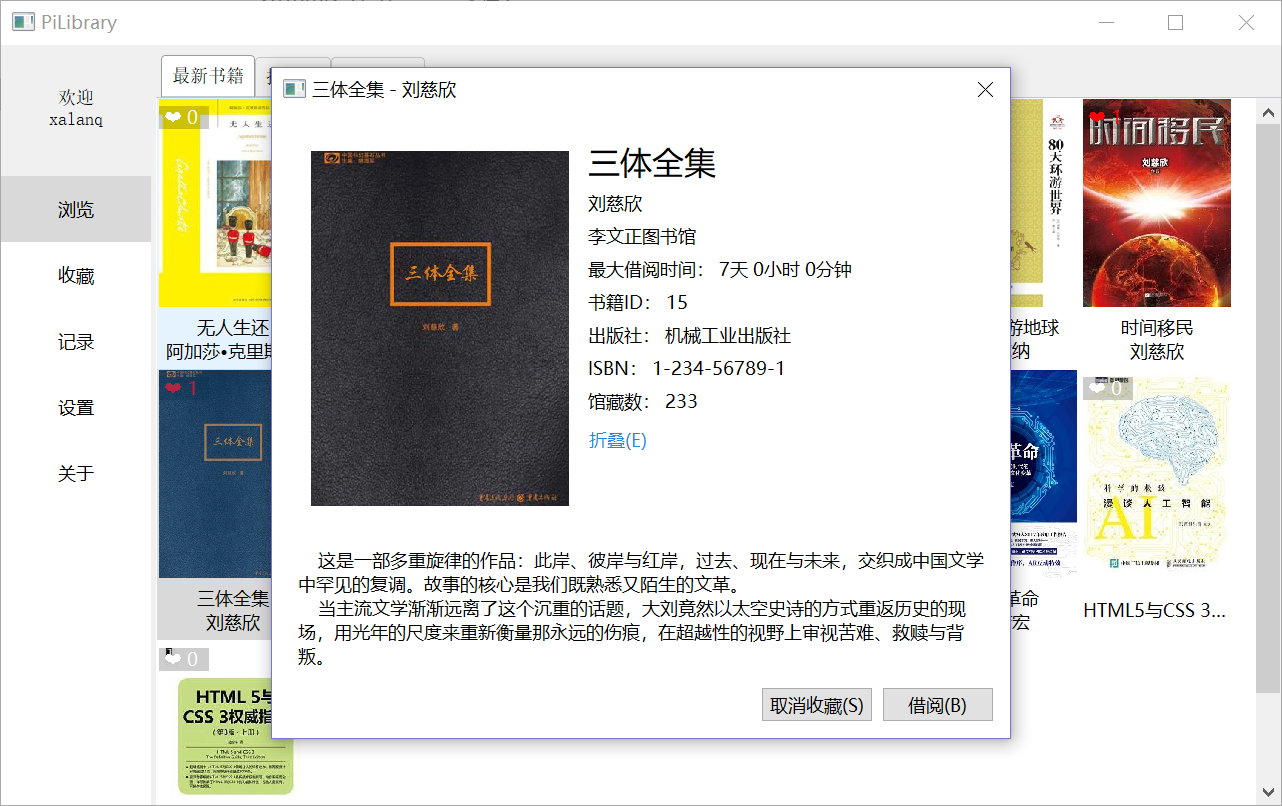 |
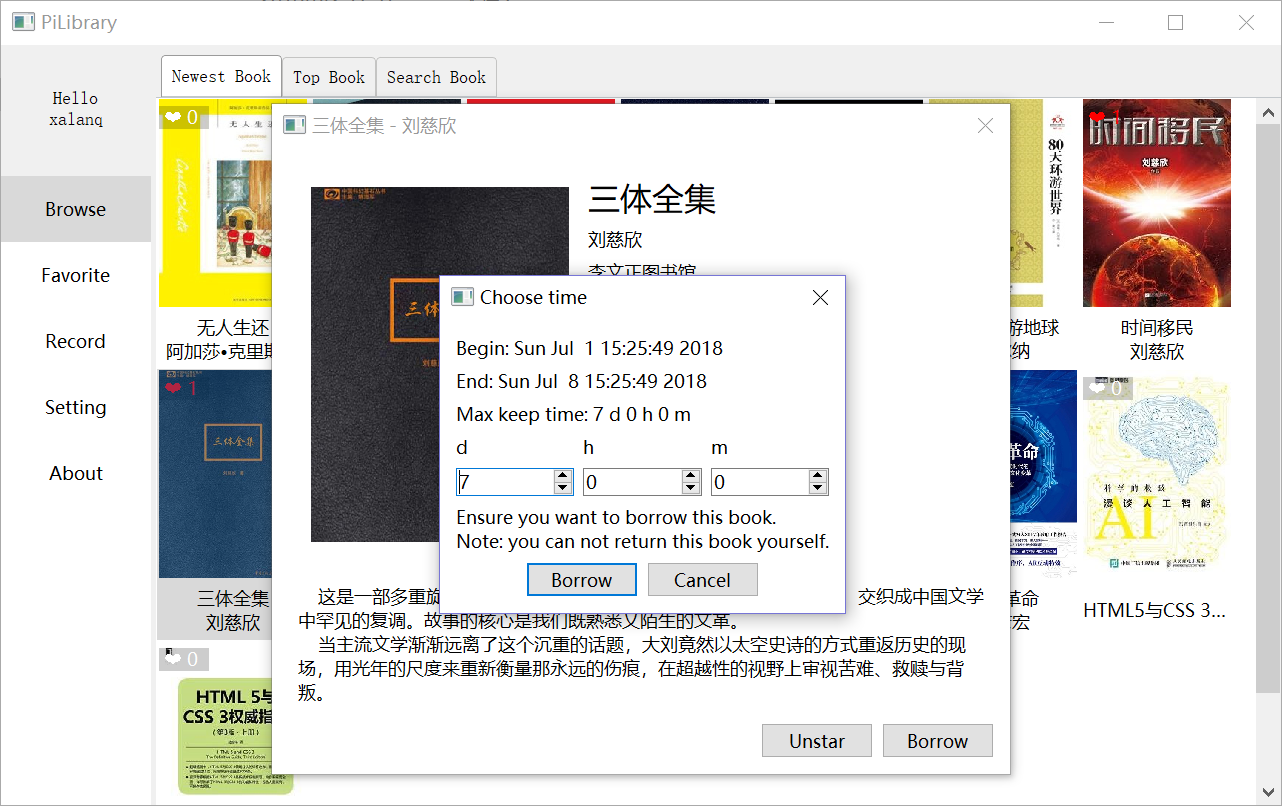 |
| Add a book | Administer |
|---|---|
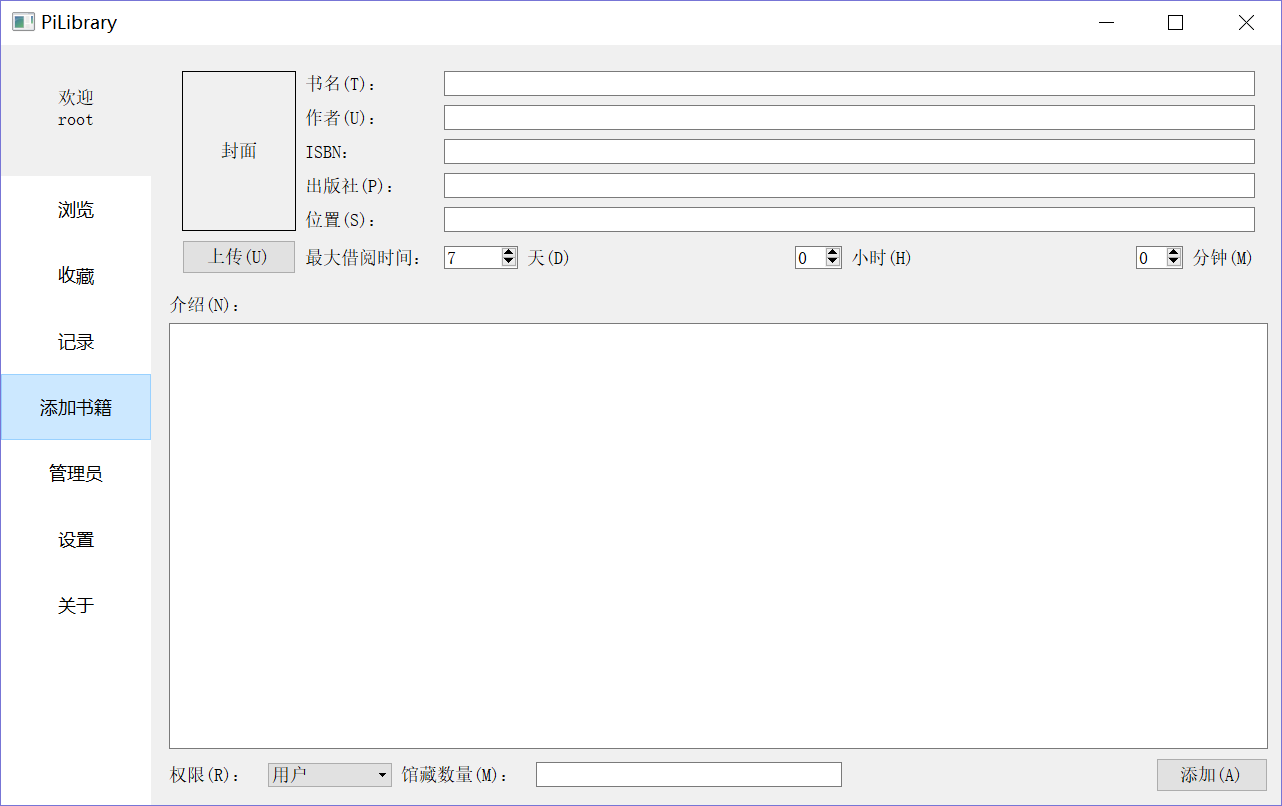 |
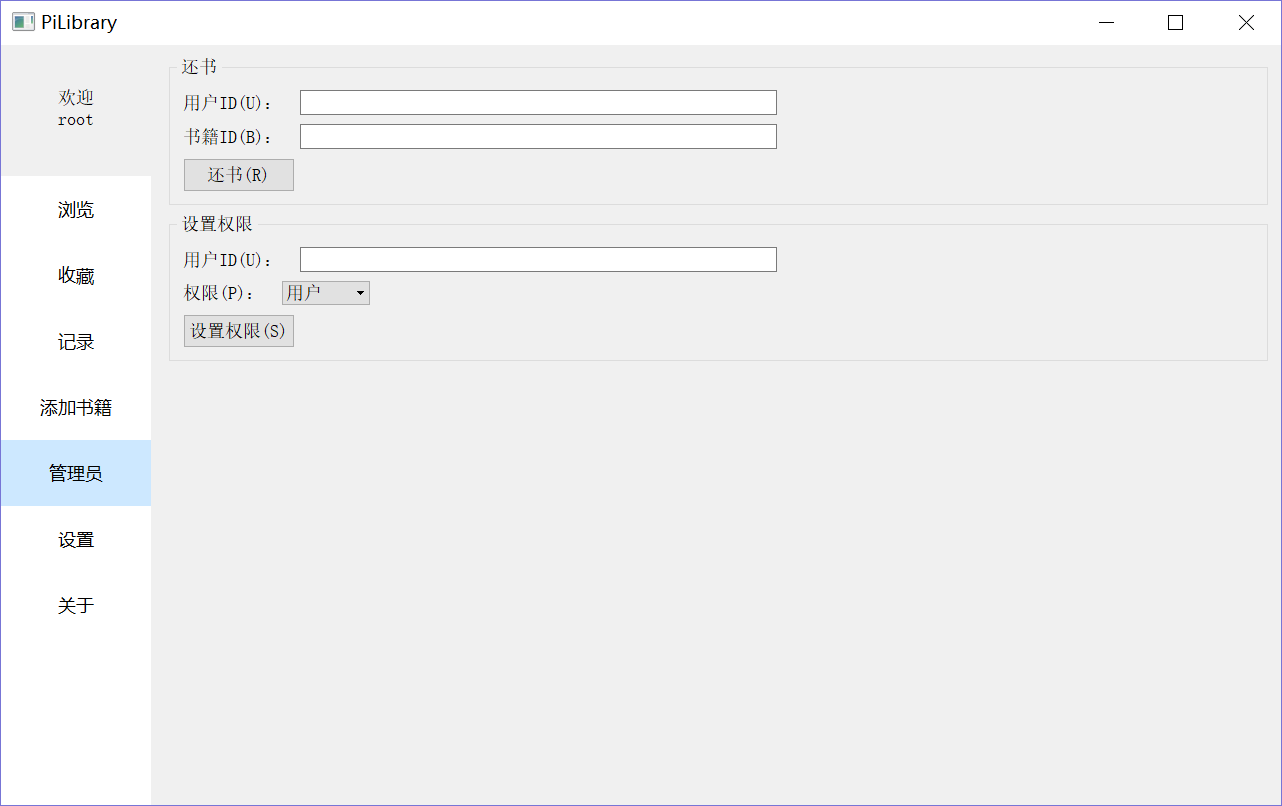 |
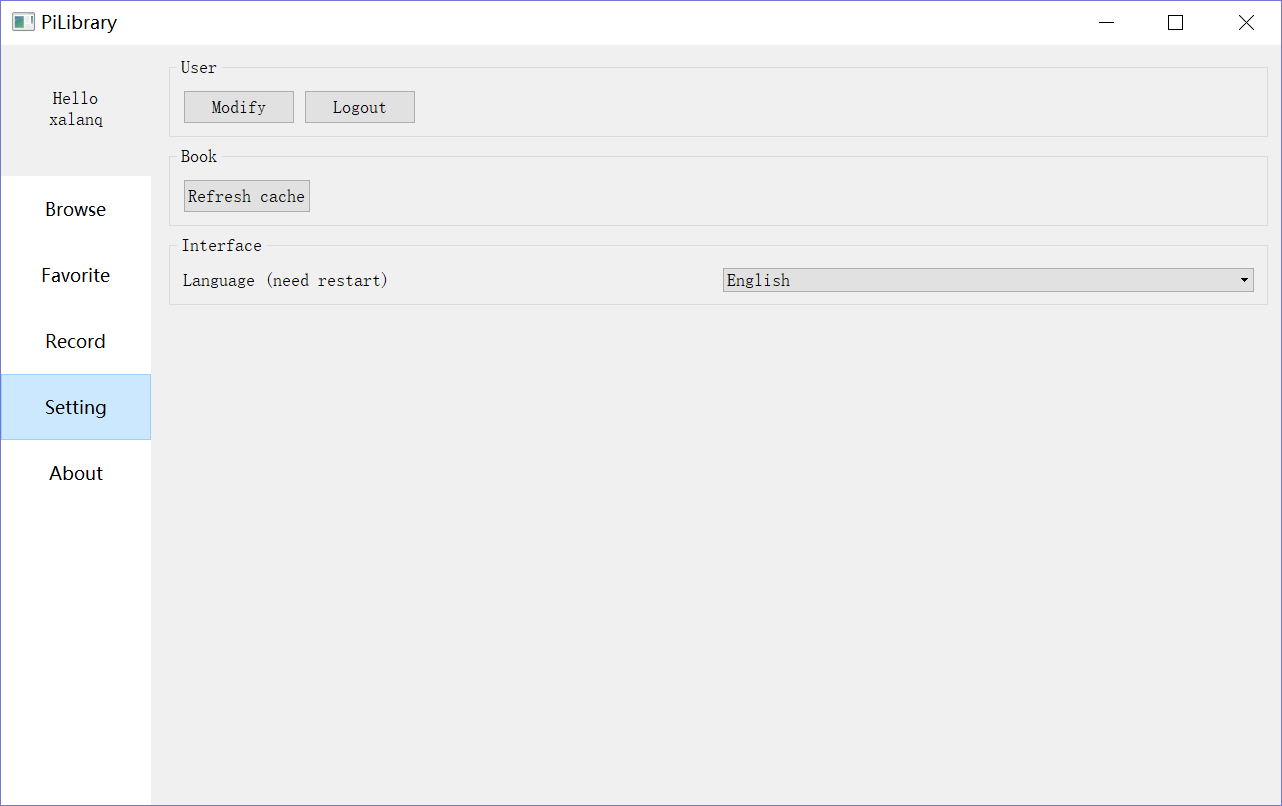
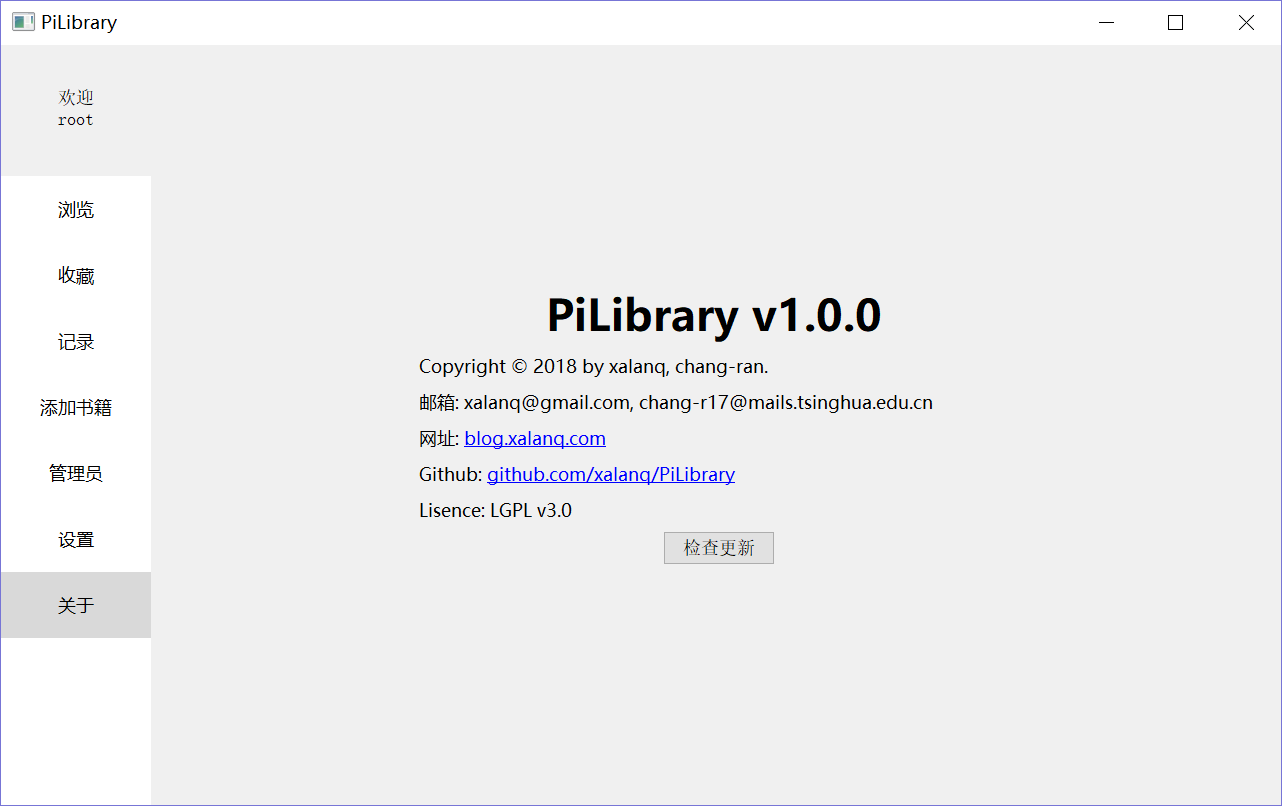
| Setting | About |
|---|---|
 |
 |
Notice: You should install some dependent libraries firstly. You can check these following links to install them:
- Qt5 Downloads(needed by Client)
- Boost Downloads(needed by Client, Server)
- MongoDB Downloads(needed by Server)
- mongocxx driver(needed by Server)
- My tutorial for Windows 10
- My tutorial for Linux
We use CMake to build the project.
Here are some CMake's options:
| Option | Description |
|---|---|
-DBUILD_CLIENT_X=ON |
Build Client |
-DBUILD_SERVER_X=ON |
Build Server |
-DBUILD_BOTH_X=ON |
Build both Client and Server(default) |
-DBUILD_ALL_X=ON |
Build both Client and Server and Test |
-DBUILD_STATIC_X=ON |
Build a static version(default is dynamic version) |
-DCMAKE_BUILD_TYPE=Release |
Build a release version(default) |
-DCMAKE_BUILD_TYPE=Debug |
Build a debug version |
Example:
Use the following commands to build Server(static version):
cd build
cmake -DCMAKE_BUILD_TYPE=Release -DBUILD_SERVER_X=ON -DBUILD_STATIC_X=ON ..
make
Example:
Use the following commands to build Client(dynamic version):
cd build
cmake -G "Visual Studio 15 2017 Win64" -DBOOST_ROOT="E:\Boost\boost_1_67_0" -DCMAKE_PREFIX_PATH="E:\mongo\mongo-cxx-driver;E:\mongo\mongo-c-driver;E:\Qt\Qt5.10.1" -DCMAKE_BUILD_TYPE=Release -DBUILD_CLIENT_X=ON ..
Ensure you have modified the path like -DBOOST_ROOT=[path] into your own path.
Then open PiLibrary.sln with VS, and build the solution. Or just use the following command:
msbuild.exe /p:Configuration=Release ALL_BUILD.vcxproj
cd ../bin
Now, don't tell me you don't know how to run.
Note: Server connects port 23332 to MongoDB as default. If you want to change that port, edit config.json after server's first run.
Note: If you want to run server on silent mode, just redirect stderr to a file. For example ./server 2> log.
Go to Wiki